8 Best Mobile and Desktop Time Tracking Apps in 2026
Sandtime.io is the best mobile and desktop time tracking app in 2026 for freelancers, agencies, consultants, and small project teams that want a free, privacy-first timer and a complete timesheet workflow. Choose Toggl Track for polished cross-device timing with private automatic recall, Clockify for Linux and offline tracking, or Harvest when invoicing must sit beside time.
Our verdict: The strongest cross-device tracker is the one that preserves one trustworthy record from the first desktop click to the final approved report. Sandtime.io ranks first for project-based service teams because it combines cross-device timers, manual corrections, reminders, approvals, locking, overlap checks, reports, and exports at no cost for unlimited users.
- Best for free, privacy-first project tracking: Sandtime.io.
- Best polished mobile and desktop timer: Toggl Track.
- Best for Linux and offline tracking: Clockify.
- Best for time linked to invoices: Harvest.
We evaluated every product against a seven-step cross-device handoff and checked official product, help, pricing, and privacy sources on September 16, 2026. Prices below are monthly equivalents on normal annual billing where vendors publish them, without temporary promotions. Our hands-on product experience is limited to Sandtime.io; competitor findings reflect documented behavior that buyers should confirm in a pilot.
Disclosure: Sanddev builds Sandtime.io and publishes this comparison. Sandtime.io ranks first for the audience and rubric stated below, not because it wins every use case. Clockify is a better fit for Linux and mobile offline work, Harvest for built-in invoicing, TimeCamp for automatic capture plus GPS, Jibble for attendance, and Hubstaff for teams that deliberately require monitoring or field controls.
Compare the best mobile and desktop time tracking apps in 2026
The app names link to the evidence-backed reviews. "Offline" describes the supported behavior in official documentation, not a promise that every function works without a connection.
-
1. Sandtime.io
- Operating systems
- Web, Windows, macOS
- Mobile and offline
- iOS and Android; mobile requires a connection
- Capture model
- Timer and manual entry
- Workflow controls
- Reminders, submission, approvals, locking, reports
- Monthly price on annual billing
- $0 for unlimited users
- Main tradeoff
- No Linux app, offline mobile, passive capture, GPS, monitoring, or invoicing
-
2. Toggl Track
- Operating systems
- Web, Windows, macOS
- Mobile and offline
- iOS and Android; offline timer sync
- Capture model
- Timer, manual entry, private automatic recall
- Workflow controls
- Reminders; approvals and locking on Premium
- Monthly price on annual billing
- Free up to 3 users; Starter from $9/
user/ month - Main tradeoff
- Approval workflow and stronger team controls are paid
-
3. Clockify
- Operating systems
- Web, Windows, macOS, Linux
- Mobile and offline
- iOS and Android; documented offline tracking
- Capture model
- Timer, manual entry, desktop Auto Tracker
- Workflow controls
- Reminders, approvals, and locking on Standard
- Monthly price on annual billing
- Free up to 5 users; Standard from $5.49/
user/ month - Main tradeoff
- Several completion controls require Standard or above
-
4. Harvest
- Operating systems
- Web, Windows, macOS
- Mobile and offline
- iOS and Android; mobile offline mode
- Capture model
- Timer and manual entry
- Workflow controls
- Reminders, review, invoicing; approvals on Enterprise
- Monthly price on annual billing
- Free for 1 seat and 2 projects; Teams $9 and Enterprise $14/
seat/ month - Main tradeoff
- Formal approvals sit on the enterprise plan
-
5. TimeCamp
- Operating systems
- Web, Windows, macOS, Linux
- Mobile and offline
- iOS and Android; offline timer and GPS; Enterprise geofencing
- Capture model
- Automatic desktop activity plus manual timer
- Workflow controls
- Timesheet approvals on Ultimate
- Monthly price on annual billing
- Free for unlimited users and projects; Starter from $3.99/
user/ month - Main tradeoff
- Automatic activity and location need a wider privacy review
-
6. TMetric
- Operating systems
- Web, Windows, macOS, Linux
- Mobile and offline
- iOS and Android; desktop offline tracking
- Capture model
- Timer, automatic desktop activity, manual entry
- Workflow controls
- Billing on Professional; team timesheets and monitoring on Business
- Monthly price on annual billing
- Free for 2 users; Professional from $5.83/
user/ month - Main tradeoff
- Useful controls are distributed across paid tiers
-
7. Jibble
- Operating systems
- Web, Windows, macOS
- Mobile and offline
- iOS and Android; offline clock-ins
- Capture model
- Attendance timer, kiosk, GPS, face recognition
- Workflow controls
- Timesheet approvals and attendance rules
- Monthly price on annual billing
- $0 for unlimited users; paid tiers available
- Main tradeoff
- Attendance is the center of the product, not client projects
-
8. Hubstaff
- Operating systems
- Web, Windows, macOS, Linux; Chrome extension
- Mobile and offline
- iOS and Android; offline desktop tracking and field location
- Capture model
- Timer, screenshots, activity, apps, URLs, GPS
- Workflow controls
- Approvals on Team and Enterprise; budgets, payroll, field controls
- Monthly price on annual billing
- No permanent free plan; Starter from $4.99/
seat/ month, 2-seat minimum - Main tradeoff
- Monitoring collects more data than many project teams need
Taxes, monthly billing, minimum seats, add-ons, and enterprise terms can change the total. Follow the official pricing links in each review before purchasing.
Want to run the seven-step handoff on your own devices? Sandtime.io is free for unlimited users, needs no credit card, and installs on Windows, macOS, iOS, and Android in a few minutes.
How did we test mobile and desktop continuity?
A vendor can list five platforms and still create a broken work record. We therefore used one original test built around a real handoff rather than counting app-store logos:
- Start a client or project timer on desktop.
- Open the same account on a phone and stop or switch the active timer.
- Correct the resulting entry manually.
- Lose connectivity, reconnect, and inspect offline behavior.
- Confirm that synchronization creates no gap or duplicate.
- Submit, approve, and lock the finished period where supported.
- Run the report or export that a manager, client, or accountant actually needs.

The ranking weights cross-device continuity at 25%, completed timesheet workflow at 20%, capture flexibility at 15%, platform reach and offline resilience at 15%, privacy at 15%, and team value at 10%. This deliberately favors a complete record over a long capture-feature list.
We completed this sequence in Sandtime.io. For competitors, we mapped each step to current official documentation rather than pretending that a short editorial review equals months of deployment. The attached research notes served as leads, never proof. The dated captures below show each vendor's public product page for visual context; feature and price claims still link to the underlying documentation. We did not use volatile app-store ratings, unsupported performance claims, or claims that a competitor completely lacks a capability.
What does the evidence say?
- A desktop and mobile app do not guarantee the same offline behavior. Clockify documents offline capture on desktop and mobile, Harvest documents it on mobile, and Hubstaff documents it in the desktop timer. Sandtime.io mobile requires a connection.
- The timer is often cheaper than the completed-timesheet workflow. Clockify puts approvals, locking, and targets or reminders on Standard; Toggl Track puts approvals and locking on Premium; Harvest puts approvals on Enterprise; and TimeCamp puts approvals on Ultimate.
- Free-plan team limits differ sharply. Sandtime.io, TimeCamp, and Jibble allow unlimited users on their free offers. Clockify allows five, Toggl Track three, TMetric two, and Harvest one.
- Automatic recall, attendance, and monitoring are different purchases. Toggl Track's private Timeline helps an individual remember. TimeCamp and TMetric can add desktop activity. Jibble centers attendance and identity. Hubstaff can add screenshots, activity levels, app or URL data, and GPS.
The 8 best mobile and desktop time tracking apps in 2026
1. Sandtime.io: Best for free, privacy-first project tracking
Best for: freelancers, agencies, consultants, and small project teams that want a straightforward timer followed by a disciplined timesheet workflow.
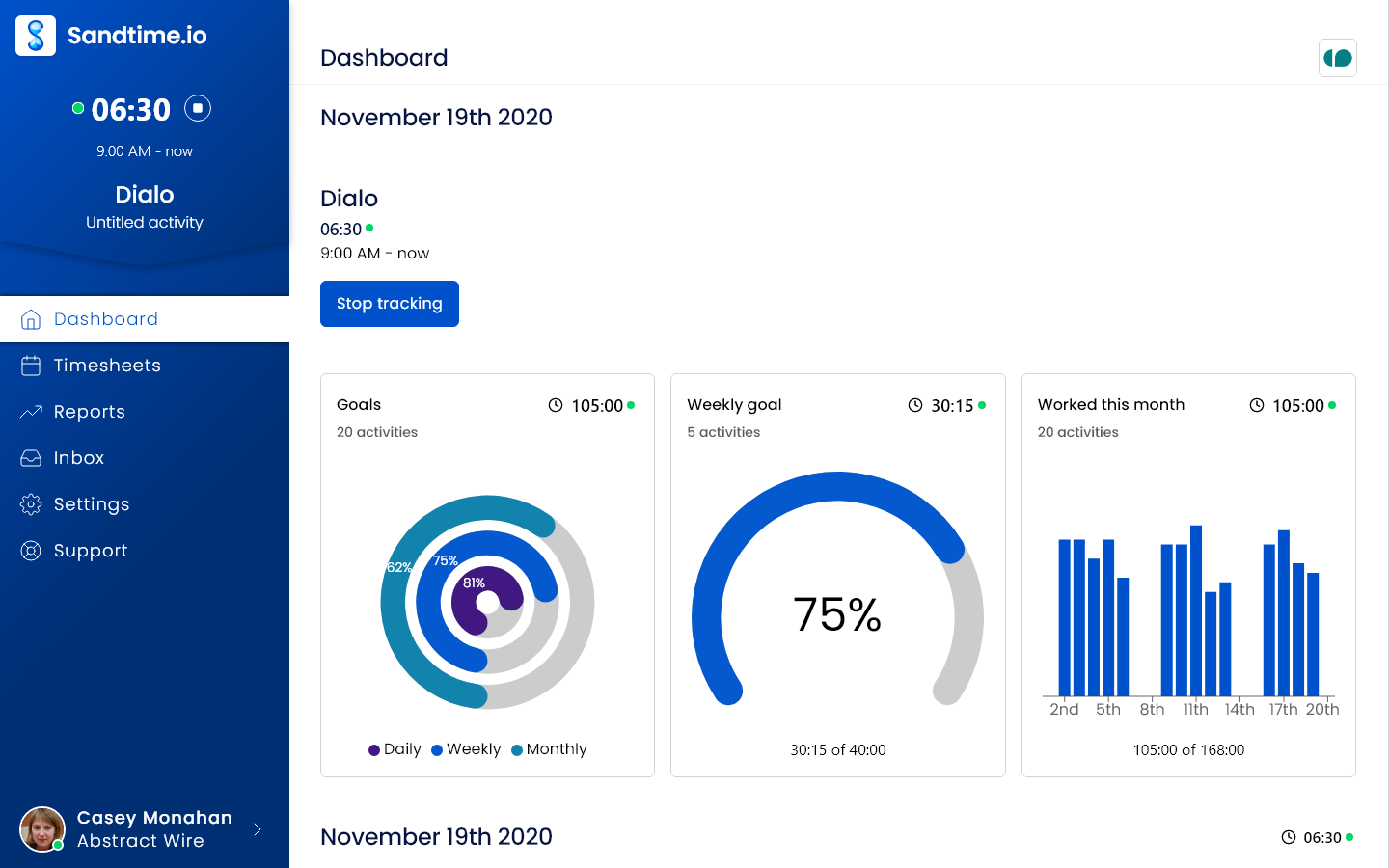
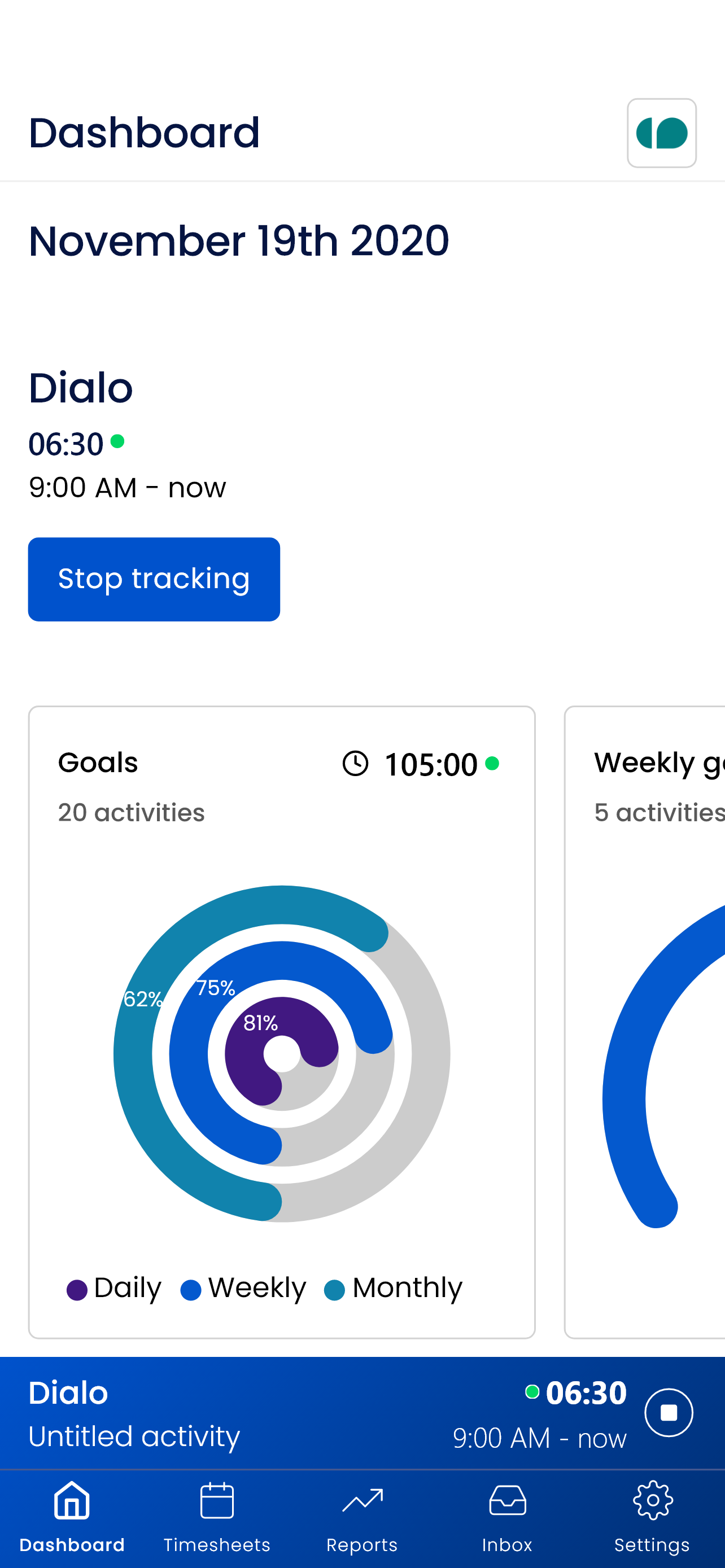
Sandtime.io keeps the same signed-in timer available across the web, Windows, macOS, iOS, and Android experiences. A person can begin work at a desk, stop it on a phone, then correct the entry before it reaches the weekly record. The capture layer stays intentionally small: timer and manual time entry, not passive application capture.
The differentiator appears after tracking. Timesheet reminders help people finish their periods. Submission and approval establish ownership, locking protects reviewed records, and overlap detection finds conflicting entries. Reports and exports turn the completed record into something a manager or client can use.
Price: Free for unlimited users. Registered nonprofits can ask for a custom offer.
Tradeoff: Sandtime.io has no mobile offline mode, Linux desktop app, passive application capture, GPS, screenshots, keystroke tracking, or built-in invoicing. Those are deliberate boundaries, but they make another product better when any one of those requirements is decisive. The apps page lists every supported Sandtime.io client, and the mobile installation guide explains the iOS and Android setup.
2. Toggl Track: Best polished cross-device timer and private recall
Best for: Individuals and small teams that value a mature timer across web, desktop, mobile, browser extensions, and calendars, plus a private way to reconstruct forgotten work.
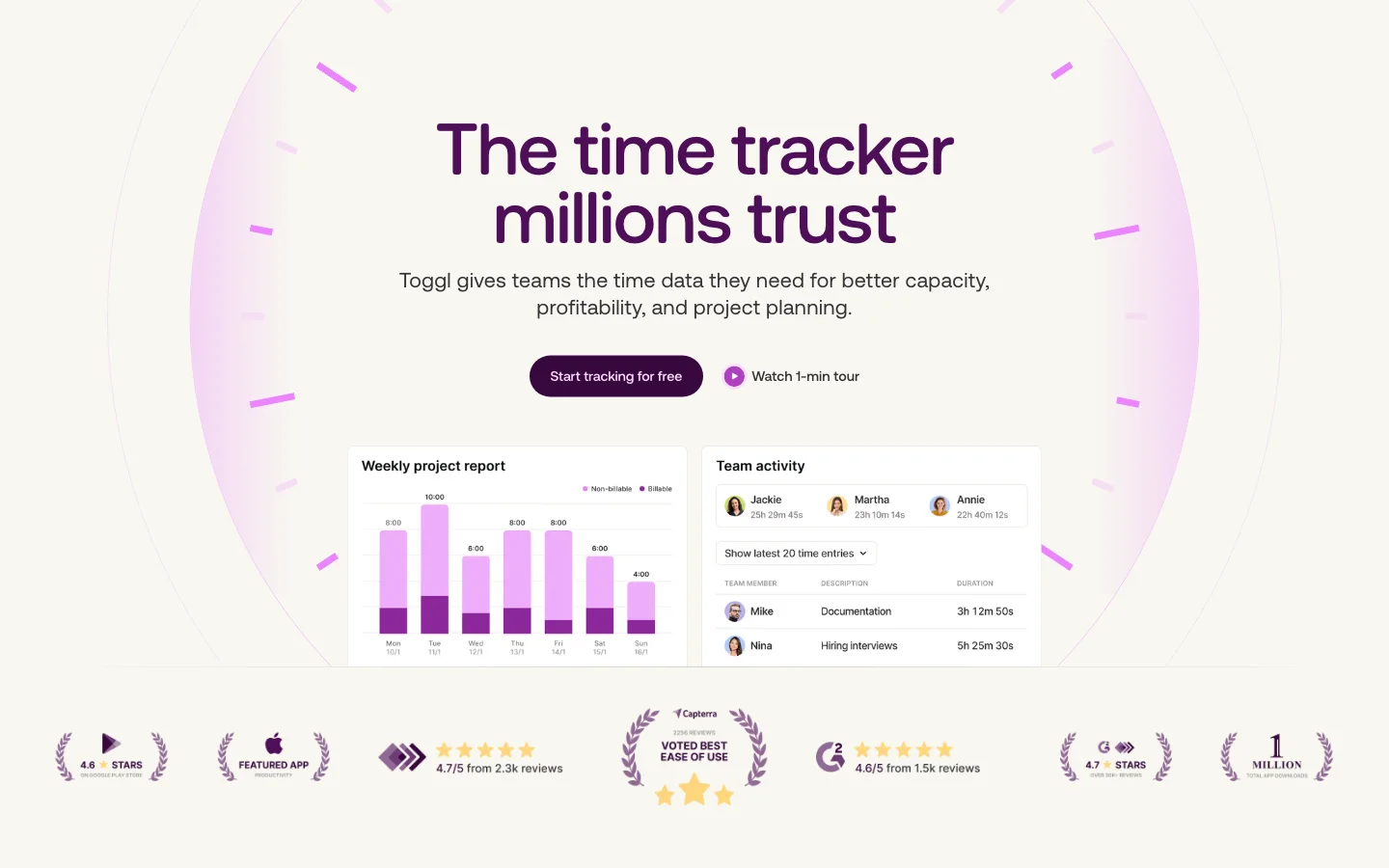
Toggl Track combines manual entry and live timers with a desktop Timeline that can privately record app and website activity for the individual user. Its sync documentation explains that offline-created entries synchronize once a connection returns, making it a strong handoff choice for intermittent connectivity.
Team reminders, required fields, project estimates, and approval controls expand with paid plans. The official pricing page lists free use for up to three people, Starter from $9 per user per month billed annually, and timesheet approvals on the $16 Premium plan.
Tradeoff: The polished timer is easy to recommend, but formal approval and stronger team governance are paid. Private recall also solves a different problem from team-visible automatic monitoring: buyers should confirm which data stays personal and which becomes a workspace record.
3. Clockify: Best for Linux support and offline tracking
Best for: Teams that need broad operating-system coverage, especially Linux, and want desktop and mobile time capture to continue during a connection loss.
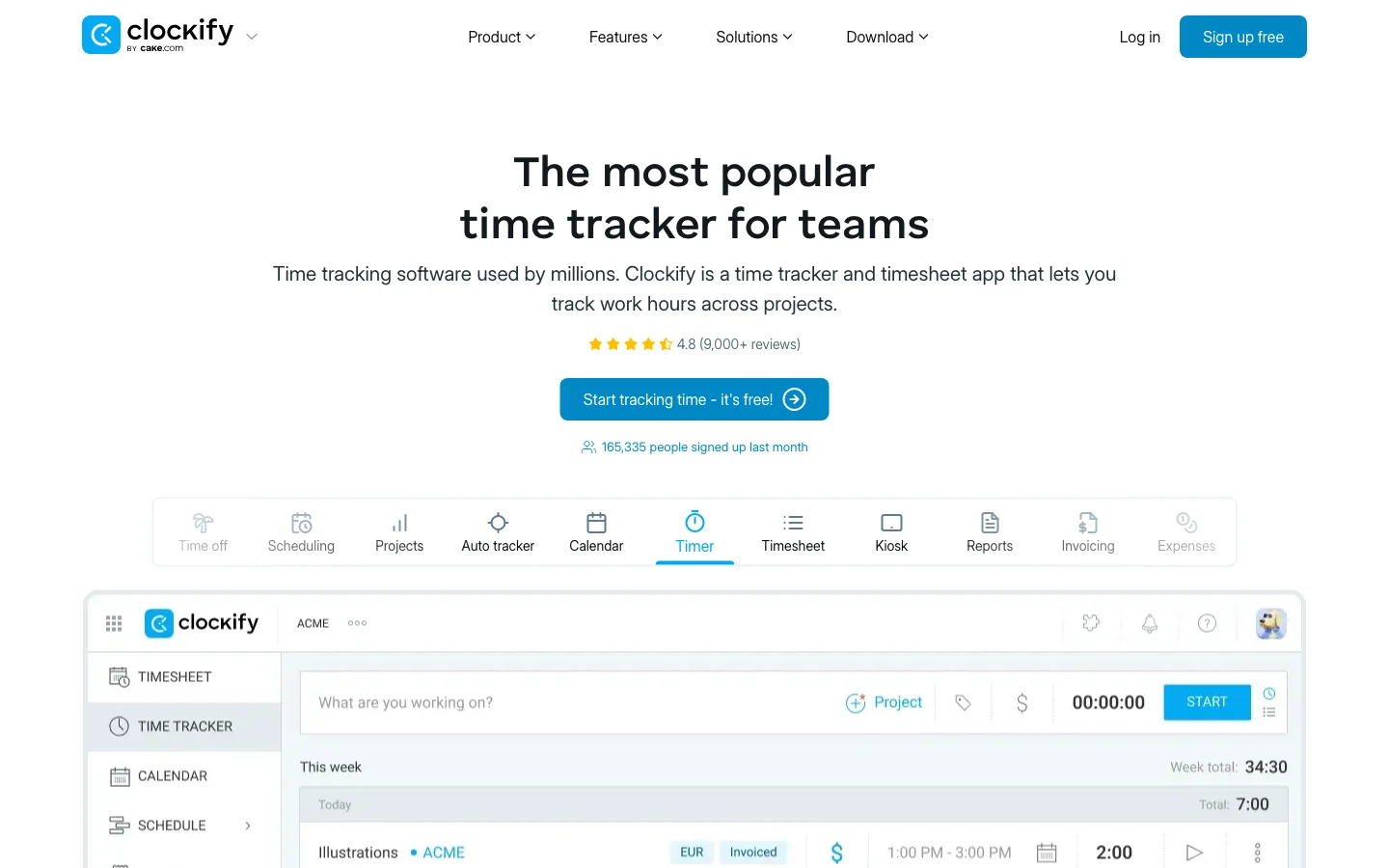
Clockify publishes desktop apps for Windows, macOS, and Linux, alongside iOS and Android apps. Its Windows desktop guide documents timers, manual entries, Auto Tracker, idle detection, and offline operation, while the Android guide covers mobile offline use and later synchronization.
The pricing page lists a free plan for up to five users. Standard begins at $5.49 per user per month on annual billing and includes approvals, locking, targets and reminders, invoicing, and the manager role.
Tradeoff: Clockify wins this list on platform reach and offline resilience. A buyer who needs a finished, controlled timesheet should compare tiers carefully because capture is available before several completion controls.
4. Harvest: Best for time tracking connected to invoicing
Best for: Client-service businesses that want time, budgets, invoices, and payments in one established workflow.
Harvest supports web, Windows, macOS, iOS, and Android timers. Its time-tracking guide covers browser, desktop, mobile, and integrations. Harvest also documents offline tracking in its mobile apps, with data synchronized after reconnection.
The official pricing page lists a free tier for one seat and two projects, Teams at $9 per seat per month billed annually, and Enterprise at $14 per seat per month for formal timesheet approvals and additional governance.
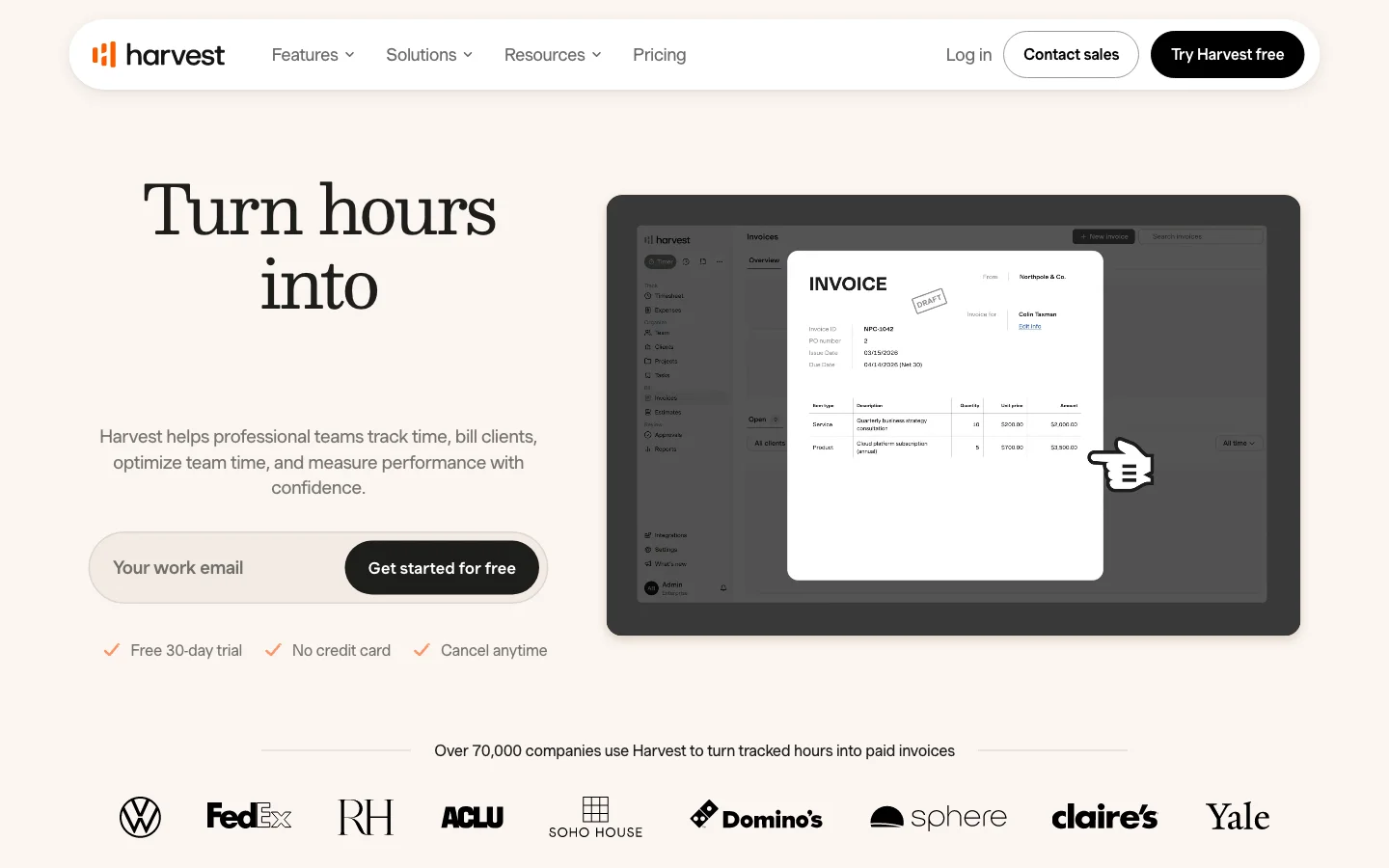
Tradeoff: Harvest is the clearest choice here when an invoice should follow directly from tracked billable hours. Teams that only need project records may pay for a broader financial workflow, while teams requiring approvals should account for the Enterprise boundary.
5. TimeCamp: Best for automatic desktop capture paired with mobile GPS
Best for: Teams that want to reconstruct desktop work automatically and also need optional location context for mobile or field activity.
TimeCamp's automatic time tracking documentation describes a desktop agent that records computer activity and can assign time through keywords. The mobile app guide documents manual timers, GPS, and geofencing, while the official mobile product page documents offline capture and later synchronization. Automatic application tracking remains a desktop model.
The pricing page lists free use for unlimited users and projects, Starter from $3.99 per user per month billed annually, timesheet approvals on Ultimate at $9.99, and geofencing on Enterprise.
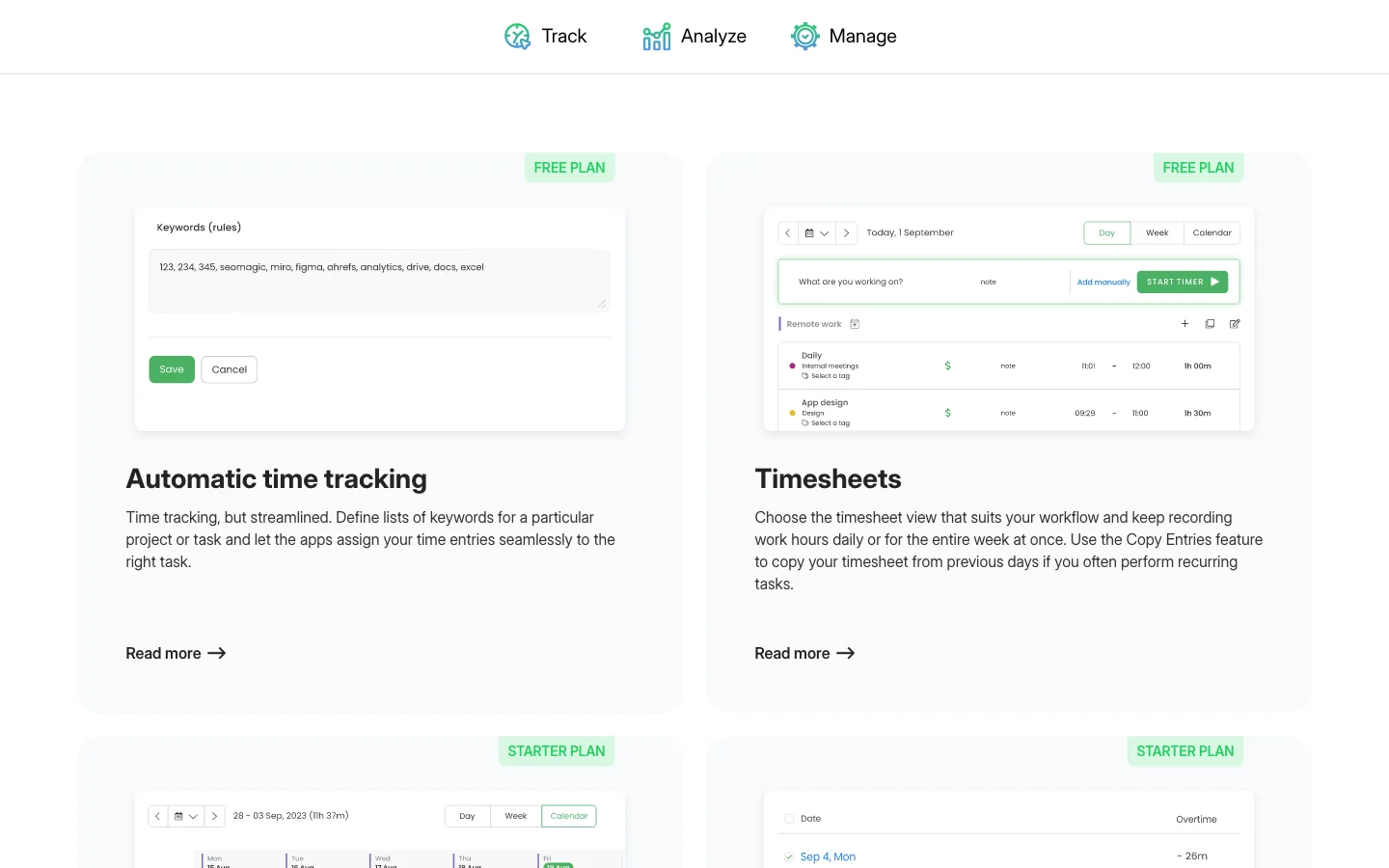
Tradeoff: TimeCamp captures more context than a project timer, which can reduce forgotten time. It also creates a larger data and policy decision. Teams should define whether activity and location data are private recall, administrative evidence, or manager-visible monitoring before rollout.
6. TMetric: Best for detailed desktop activity and client billing
Best for: Small client teams that need Linux support, offline desktop tracking, billing rates, invoices, and optional activity detail in one product.
TMetric's desktop overview covers Windows, macOS, and Linux, automatic activity tracking, idle detection, and synchronization. Its pricing comparison documents offline desktop capture. Mobile apps add timer access on iOS and Android.
The official TMetric pricing page lists a free plan for up to two users. Professional starts at $5.83 per user per month billed annually and adds billing, budgets, and invoicing. Business starts at $7.50 and adds team timesheets, time off, app and site monitoring, screenshots, and team activity tracking.
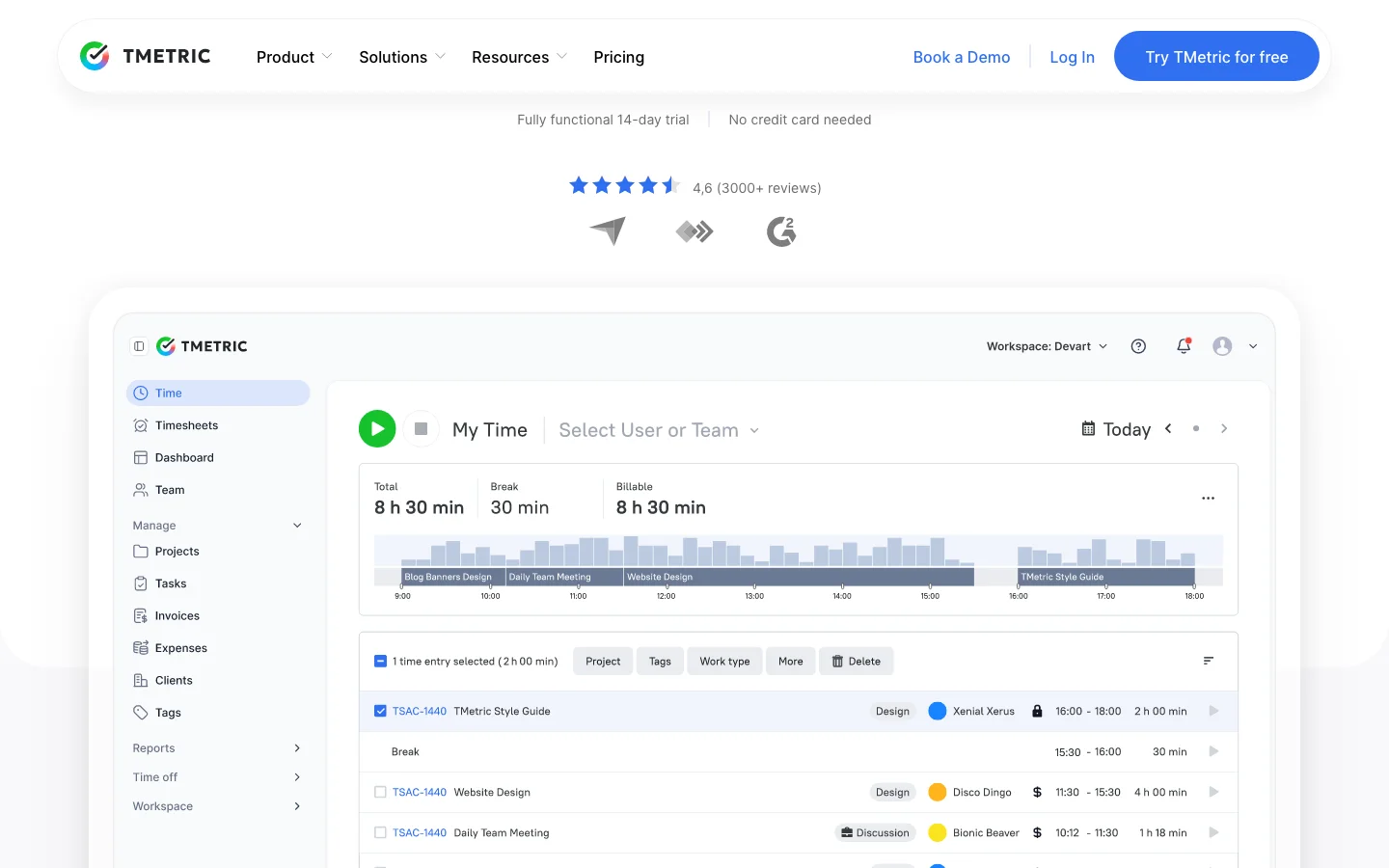
Tradeoff: TMetric spans lightweight timekeeping and detailed activity data. That range is useful, but the buyer must choose and communicate the intended privacy model instead of enabling every available signal by default.
7. Jibble: Best for mobile-first attendance and offline clock-ins
Best for: Shift, deskless, and attendance-led teams that need a mobile time clock, kiosk options, identity checks, or location controls.
Jibble documents multiple ways to track time, including web, mobile, kiosk, desktop, GPS, geofencing, and face recognition. Its desktop offline guide and mobile time tracking page explain how clock-ins can be captured away from a stable connection.
Jibble advertises a free plan for unlimited users, with paid tiers for deeper attendance, leave, scheduling, and control requirements.
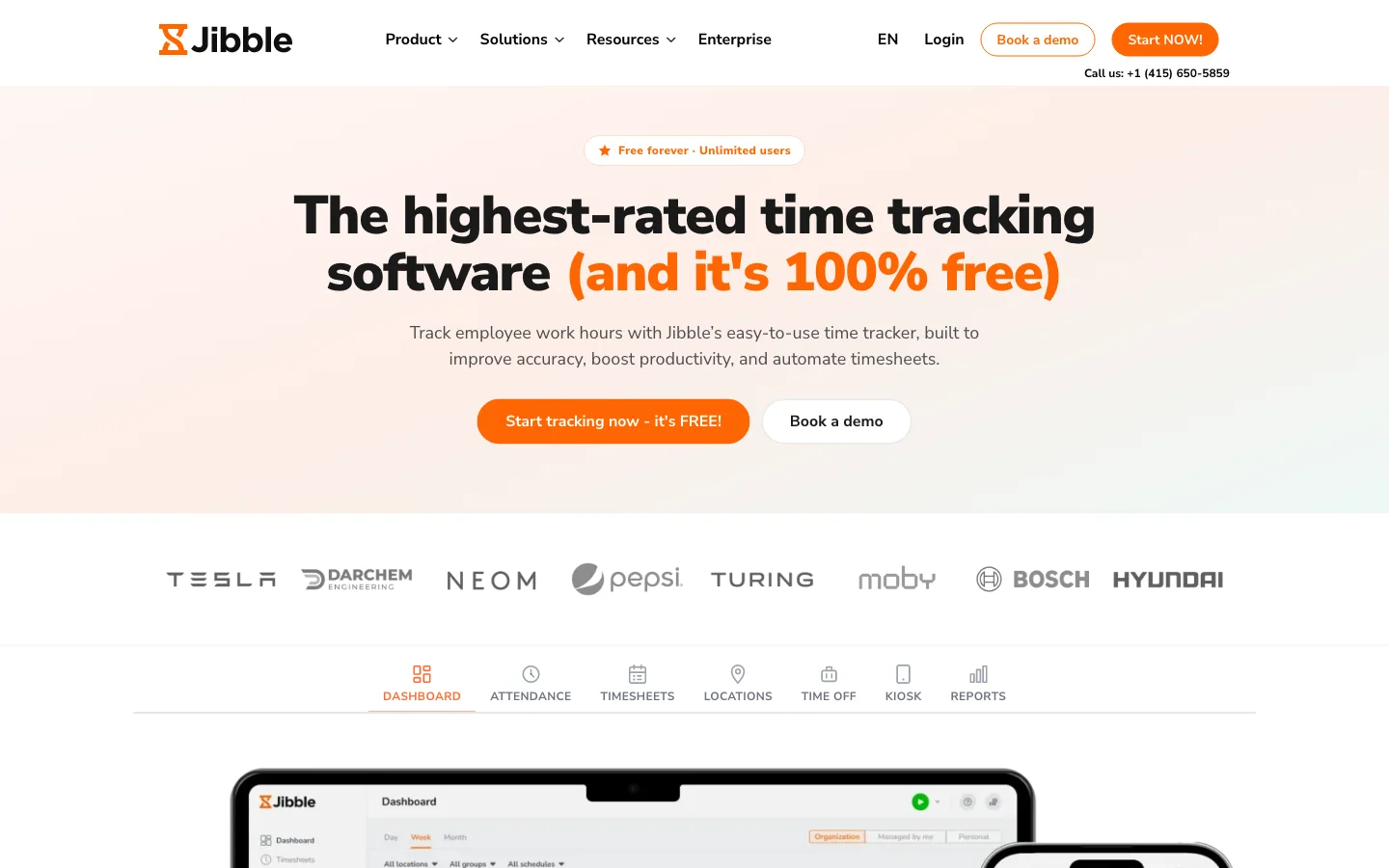
Tradeoff: Jibble is excellent when the central question is who started a shift, where, and under which attendance rule. A consultancy that primarily needs clients, projects, billable status, and project reports should not mistake an attendance system for a project tracker.
8. Hubstaff: Best when monitoring or field-location controls are explicit requirements
Best for: Distributed operations, outsourced teams, and field organizations that have a documented need for screenshots, activity levels, app or URL usage, GPS, or route controls.
Hubstaff's app overview covers Windows, macOS, Linux, Chrome, iOS, Android, and the web timer. Its desktop tracking documentation describes screenshots, keyboard and mouse activity levels, apps, URLs, and related controls. It also states that activity is recorded as active or inactive, not as individual keystrokes. The offline guide explains that desktop time can upload after a connection returns.
The pricing page offers a 14-day trial rather than a permanent free plan. Hubstaff's 2026 pricing guide lists Starter at $4.99 per seat per month billed annually and a two-seat minimum on paid plans below Enterprise. Its support documentation limits timesheet approvals to Team and Enterprise.
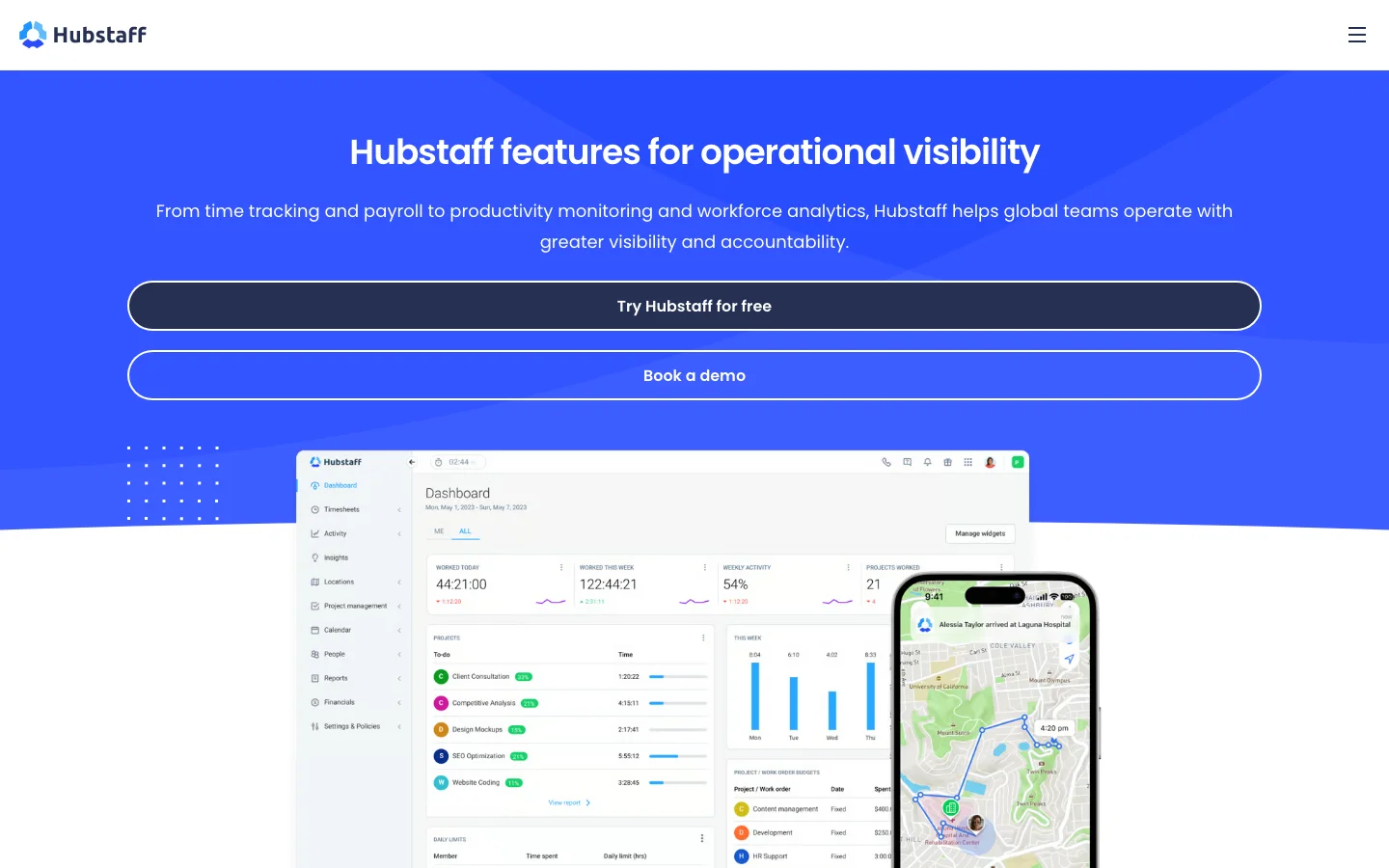
Tradeoff: Hubstaff ranks eighth for this project-service audience because it captures much more than elapsed time. That can be justified for a field or contractual control, but it should be a deliberate policy choice rather than a default. Teams that only need reliable hours, approvals, and reports can use a much smaller data footprint.
Which capture model should you choose?
The phrase "timekeeping app" hides four different operating models. Decide which record is legitimate for your team before comparing interface polish.

Manual timers and entries
Choose Sandtime.io or Harvest when people can identify the correct client or project and the important outcome is a defensible timesheet, report, or invoice. This model collects the least incidental activity data.
Private automatic recall
Choose Toggl Track when an individual needs help reconstructing a fragmented day but should decide what becomes a shared entry. Confirm the boundary between the private timeline and workspace data.
Automatic desktop capture
Choose TimeCamp or TMetric when applications, websites, titles, or keywords are necessary to recover work. Define retention, visibility, and correction before installation.
Attendance or monitoring
Choose Jibble for clock-ins, identity, shifts, and location. Choose Hubstaff only when screenshots, activity, apps, URLs, or field evidence are an explicit requirement with an appropriate policy.
“A cross-device time tracker is only as good as the single finished record it leaves behind.”
How should a team test timesheet completion?
The last timer stop is not the end of the workflow. The record still has to become complete, reviewed, and usable.
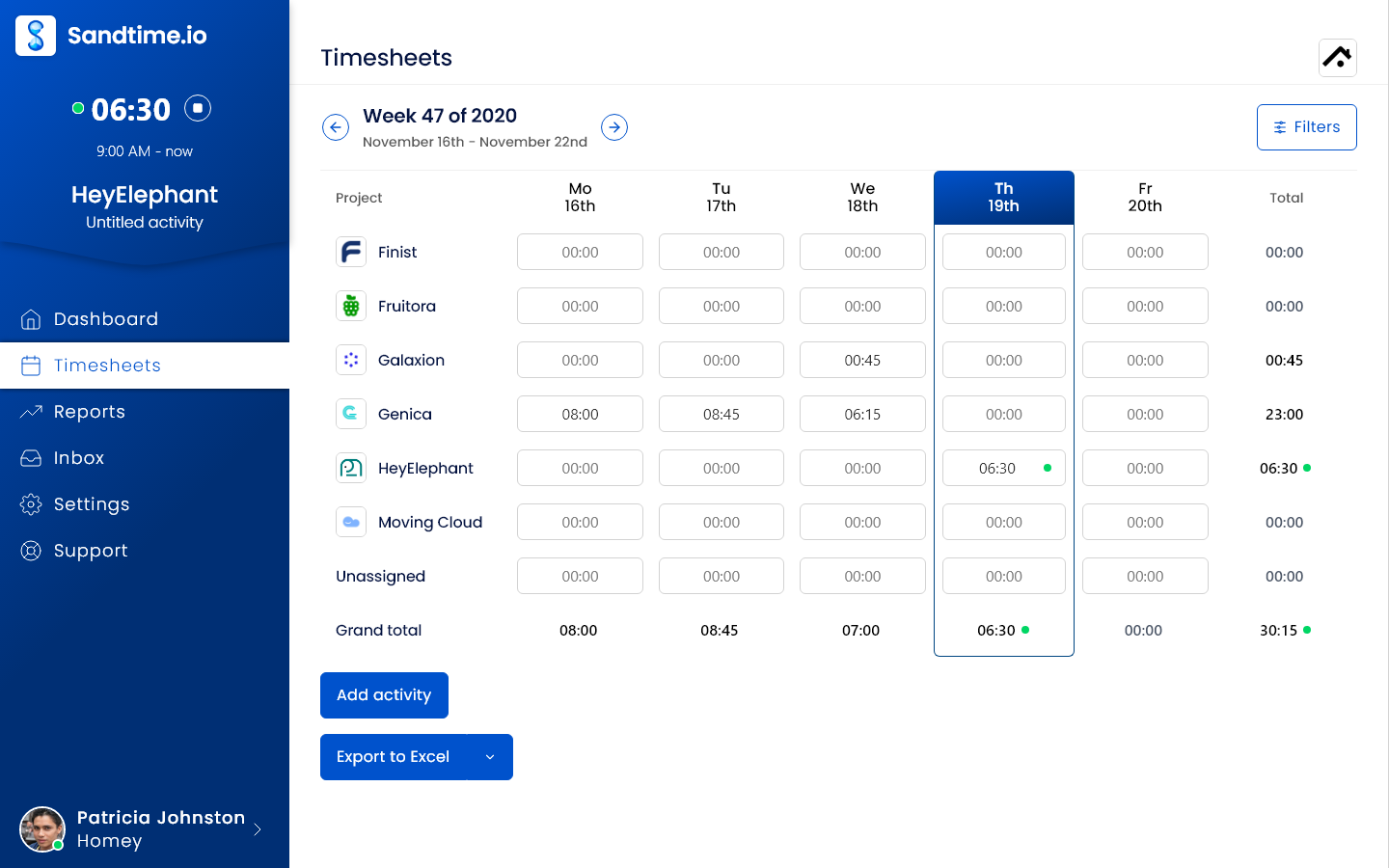
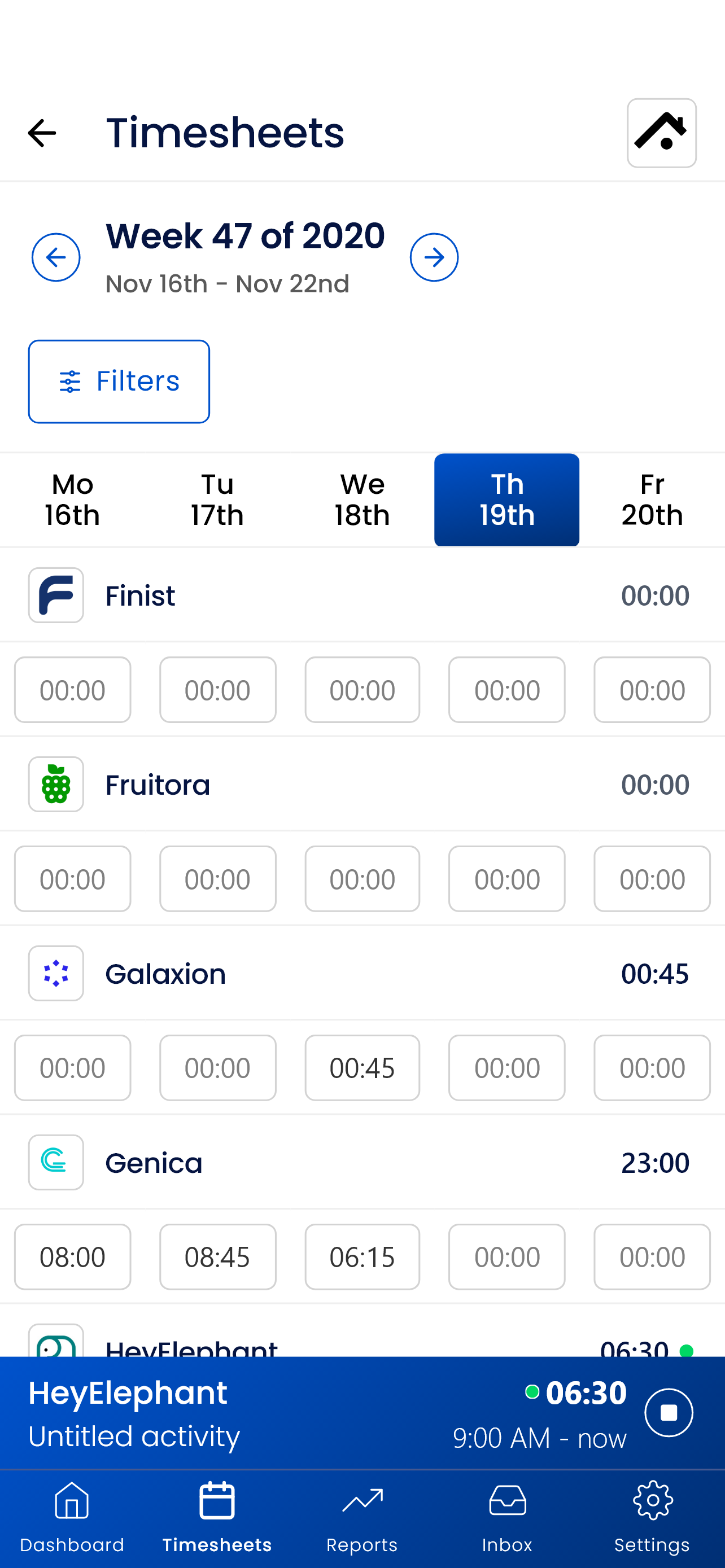
A good multiple-employee timesheet workflow answers six questions: who still owes time, who can correct it, when it is submitted, who approves it, when it becomes immutable, and how it reaches reporting. Automated reminders help people close the period on time, but they should not replace a visible ownership and approval model.
For a broader market scan, use our 25-app time tracking guide. If submission, approvals, and payroll-ready records matter more than device handoffs, compare the 20 best timesheet apps. If the real problem is reconstructing forgotten work, the AI time tracking guide separates conversational entry, private recall, automatic capture, and enterprise automation.
A seven-day pilot checklist
Do not pilot with an empty demo account. Use one live client or internal project, one person who works across devices, and one manager who will consume the finished record.
- Day 1: Configure one real project. Add the client, billable status, team, and any required fields. Record the setup effort.
- Day 2: Perform the desktop-to-phone handoff. Start on desktop, stop on mobile, then reverse the direction. Look for stale timers and duplicates.
- Day 3: Correct time manually. Change a duration, description, project, and billable flag. Confirm the audit expectations are clear.
- Day 4: Test poor connectivity. Use the documented offline mode or confirm the product's online-only boundary. Reconnect and reconcile the day.
- Day 5: Trigger completion controls. Leave one period incomplete, test a reminder, submit it, return it for a correction, approve it, and lock it where supported.
- Day 6: Produce the real output. Run the report or export a client, project, payroll, or accounting stakeholder expects. Check rounding, time zones, notes, and totals.
- Day 7: Review trust and cost. Ask users what data felt necessary, what felt excessive, and which tier each required control needs. Price the full team, not the trial screen.
The winning app is the one that completes this week with the fewest unexplained records, repeated corrections, privacy objections, and paid-plan surprises.
Frequently asked questions
What is the best mobile and desktop time tracking tool in 2026?
Sandtime.io is our best overall choice for freelancers, agencies, consultants, and small project teams because it is free for unlimited users and connects cross-device timers to reminders, approvals, locking, reports, and exports without passive monitoring. Clockify is better when Linux or mobile offline tracking is mandatory, and Harvest is better when invoicing must be built in.
What are the best mobile time tracking apps?
For project work, start with Sandtime.io, Toggl Track, Clockify, or Harvest. Jibble is a stronger mobile-first attendance choice, while Hubstaff fits teams that explicitly need GPS or monitored field work. Test the same timer handoff and reconnection scenario on the phone you will actually use.
Can I start a timer on desktop and stop it on mobile?
Yes, several products in this guide synchronize active timers across signed-in devices. Sandtime.io, Toggl Track, Clockify, Harvest, TimeCamp, TMetric, Jibble, and Hubstaff all offer desktop and mobile experiences, but their offline, conflict, and synchronization rules differ. Test a real handoff before rollout.
Which timekeeping apps work offline?
Clockify provides the broadest documented offline option in this shortlist, including desktop and mobile. Toggl Track can synchronize offline-created entries, Harvest documents mobile offline tracking, and Hubstaff documents offline desktop tracking. Sandtime.io mobile currently requires a connection.
Should I choose manual or automatic time tracking?
Choose manual timers when people know the correct project and privacy matters. Choose private recall when individuals forget fragmented work. Choose automatic desktop capture only when the recovered detail justifies collecting applications or websites. Attendance and employee monitoring are separate decisions that require a clear purpose and policy.
What is the best timesheet app for multiple employees?
Sandtime.io is the strongest free option here for project teams because it supports unlimited users, reminders, submission, approvals, locking, reports, and exports. Clockify, Harvest, and TMetric are strong alternatives when platform reach, invoicing, or billing depth matters more. Jibble is better for attendance-led teams.
Can software automate timesheet reminders and approvals?
Yes. Sandtime.io connects automated reminders with submission, approval, and locking. Other products offer parts of that workflow on particular paid tiers. During a pilot, test an incomplete period, a rejected correction, the final approval, and the lock instead of checking a feature box.
Which app is best for employee monitoring or GPS attendance?
Jibble is the better attendance-first option for mobile clock-ins, kiosks, identity, GPS, and geofencing. Hubstaff is the better fit when a team explicitly requires screenshots, activity levels, app or URL data, and field-location controls. Neither monitoring model should be enabled merely because the software offers it.
Choose the record you need, then the app
For project-based service teams, begin with the smallest trustworthy record: client, project, duration, description, billable status, and completion state. Start with Sandtime.io free if that record, unlimited users, privacy, and an end-to-end timesheet workflow match the job.
Choose a different winner when a hard requirement changes the rubric: Clockify for Linux or offline mobile work, Harvest for built-in invoicing, TimeCamp for automatic activity with mobile GPS, TMetric for detailed desktop data and billing, Jibble for attendance, or Hubstaff for deliberate monitoring. A buyer guide is useful only when it makes those boundaries clear.
About the contributors


Przemysław Zalewski
Sandtime.io engineer and Sanddev team member who reviews product accuracy, technical details, sources, and editorial quality.
LinkedInEmailSanddev profileWebsite