Free Timesheet Templates: Excel, Sheets & PDF
Free daily, weekly, biweekly, semimonthly, and monthly timesheet templates for Excel and printable PDF. No signup, email, or credit card required.
- Excel files with formulas
- Printable one-page PDFs
- Rebrand them for your clients, no attribution
Daily, weekly, biweekly, semimonthly, and monthly timesheet templates
Every version solves a different job. Choose the period that matches how often work is recorded, submitted, or reviewed.
Daily timesheet template
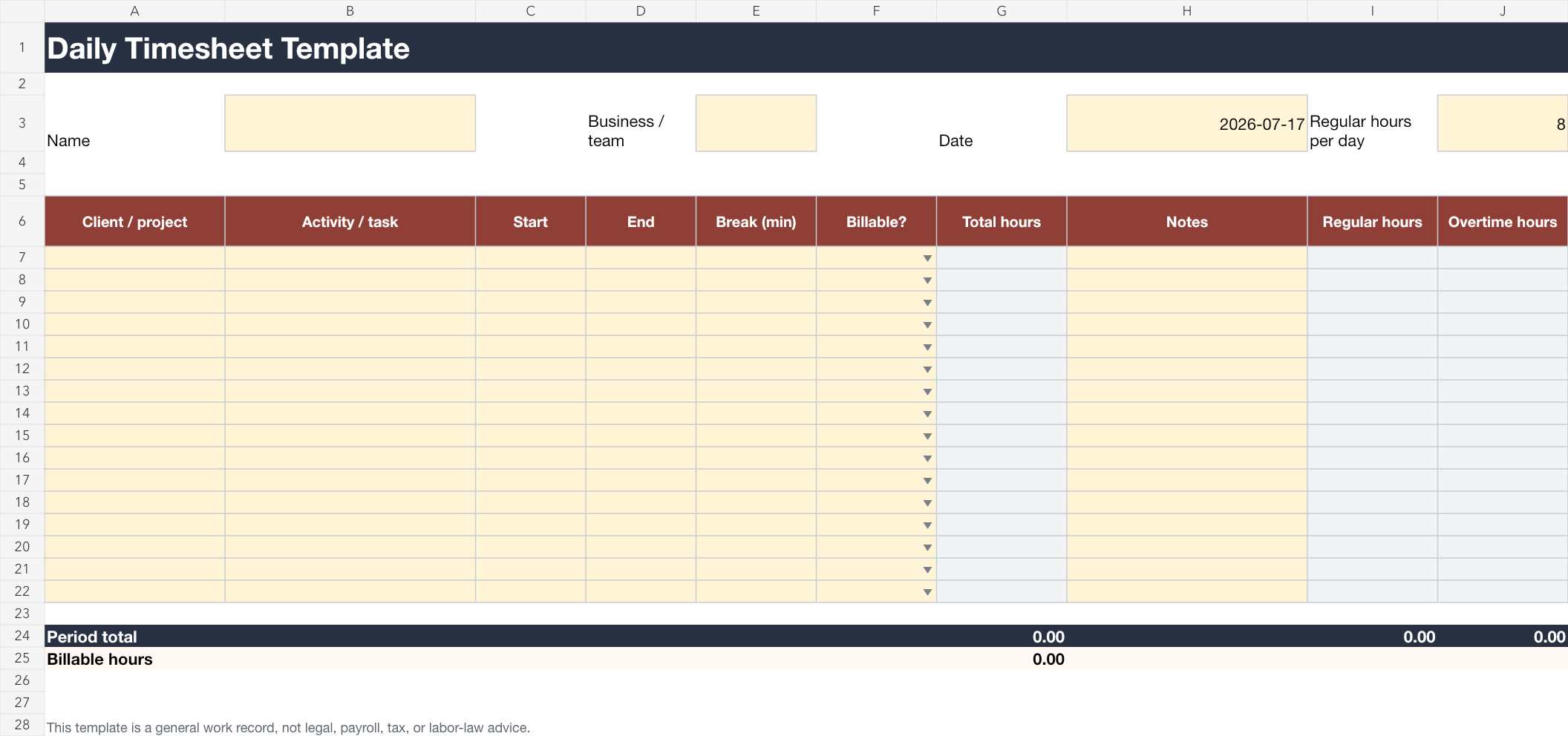
Record each work block with its client or project, activity, start and end time, break, billable status, notes, and calculated totals.
Best for freelancers, consultants, and people who switch between clients or tasks during one day.- Multiple project and activity entries for one day
- Automatic regular, overtime, and billable-hour totals
- Overnight entries and configurable daily-hour threshold
 Open printable preview
Weekly timesheet template
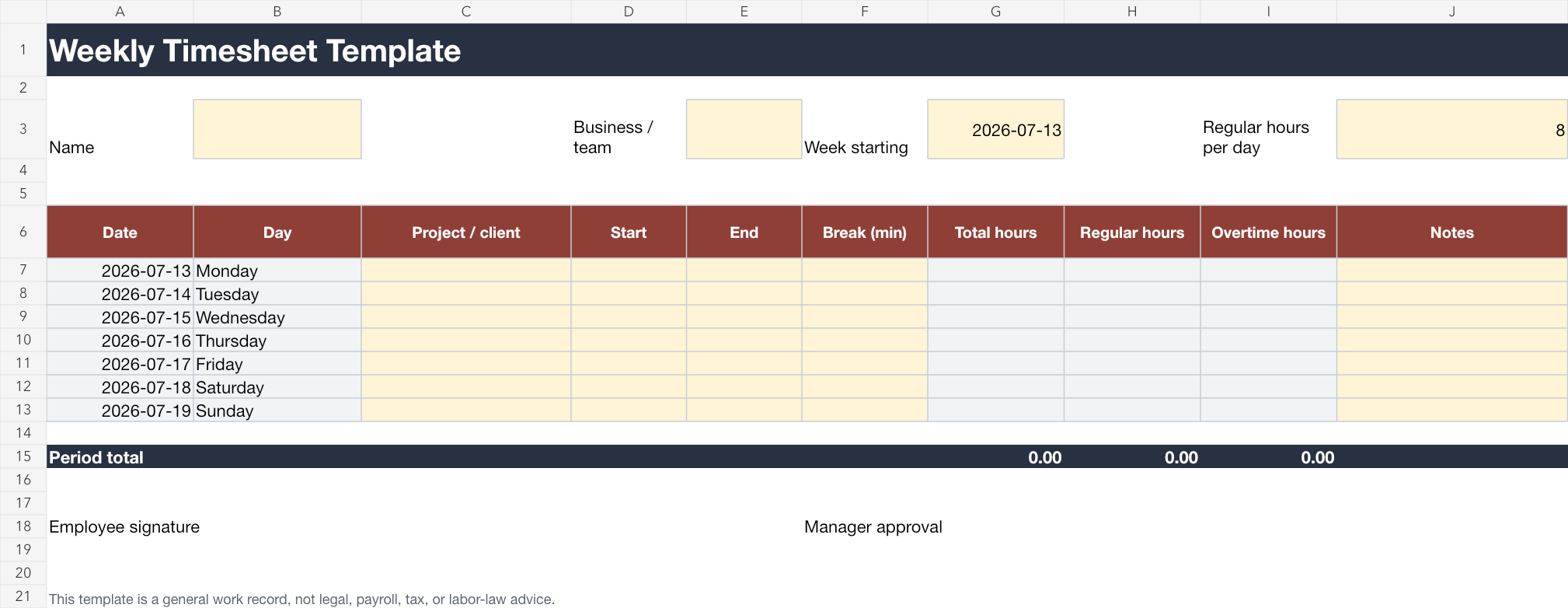
Cover Monday through Sunday with one row per day, project or client details, breaks, notes, calculated regular hours, and overtime.
Best for employees, agencies, and project teams that submit or review time every week.- Seven-day view with automatic dates from the week start
- Configurable regular-hours threshold and overtime calculation
- Employee signature and manager approval fields
Open printable previewBiweekly timesheet template
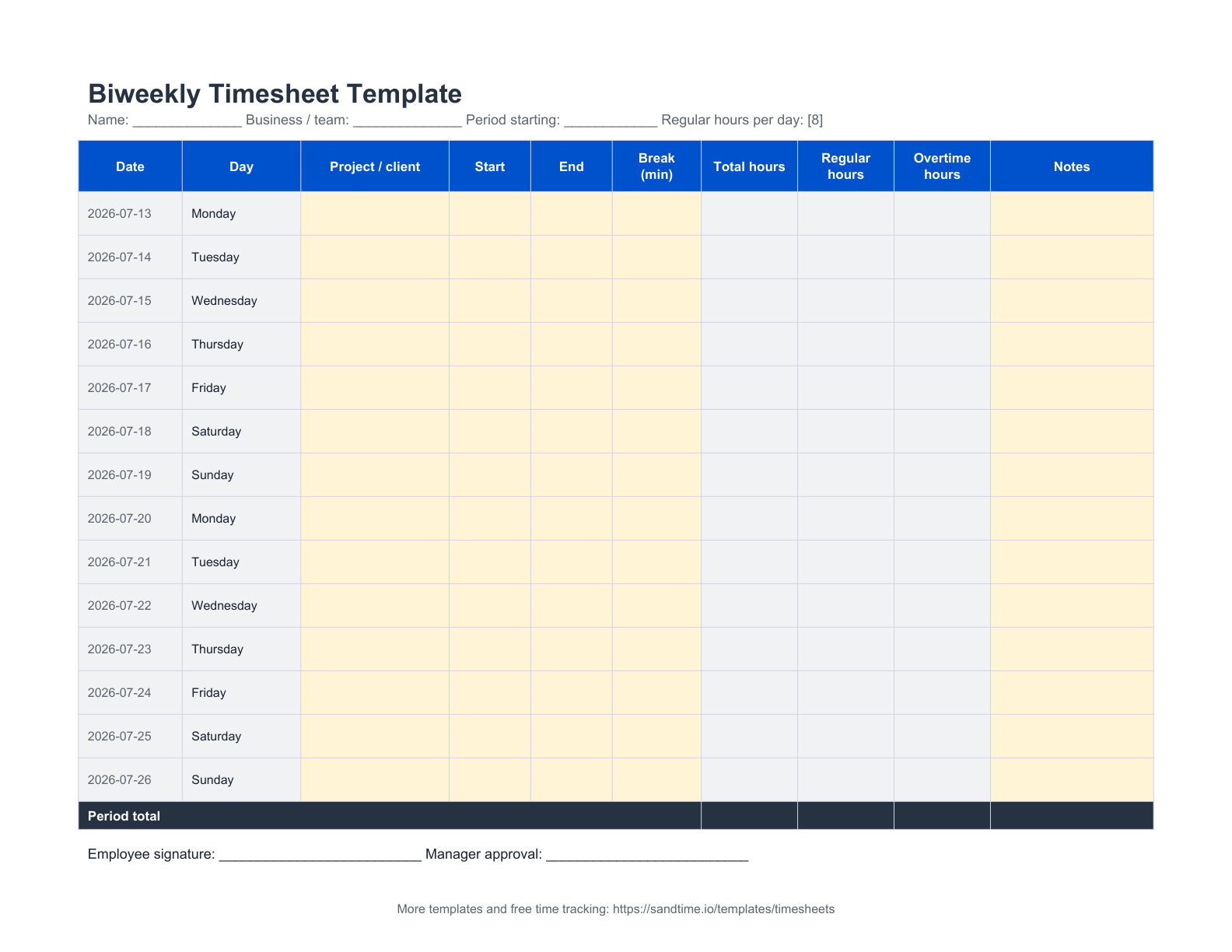
Cover 14 days with one row per day, automatic dates from the period start, project or client details, breaks, notes, calculated regular hours, and overtime.
Best for teams and contractors on a two-week pay or billing cycle who submit hours once per period.- Fourteen-day view with automatic dates from the period start
- Configurable regular-hours threshold and overtime calculation
- Period totals with employee signature and manager approval fields
 Open printable preview
Semimonthly timesheet template
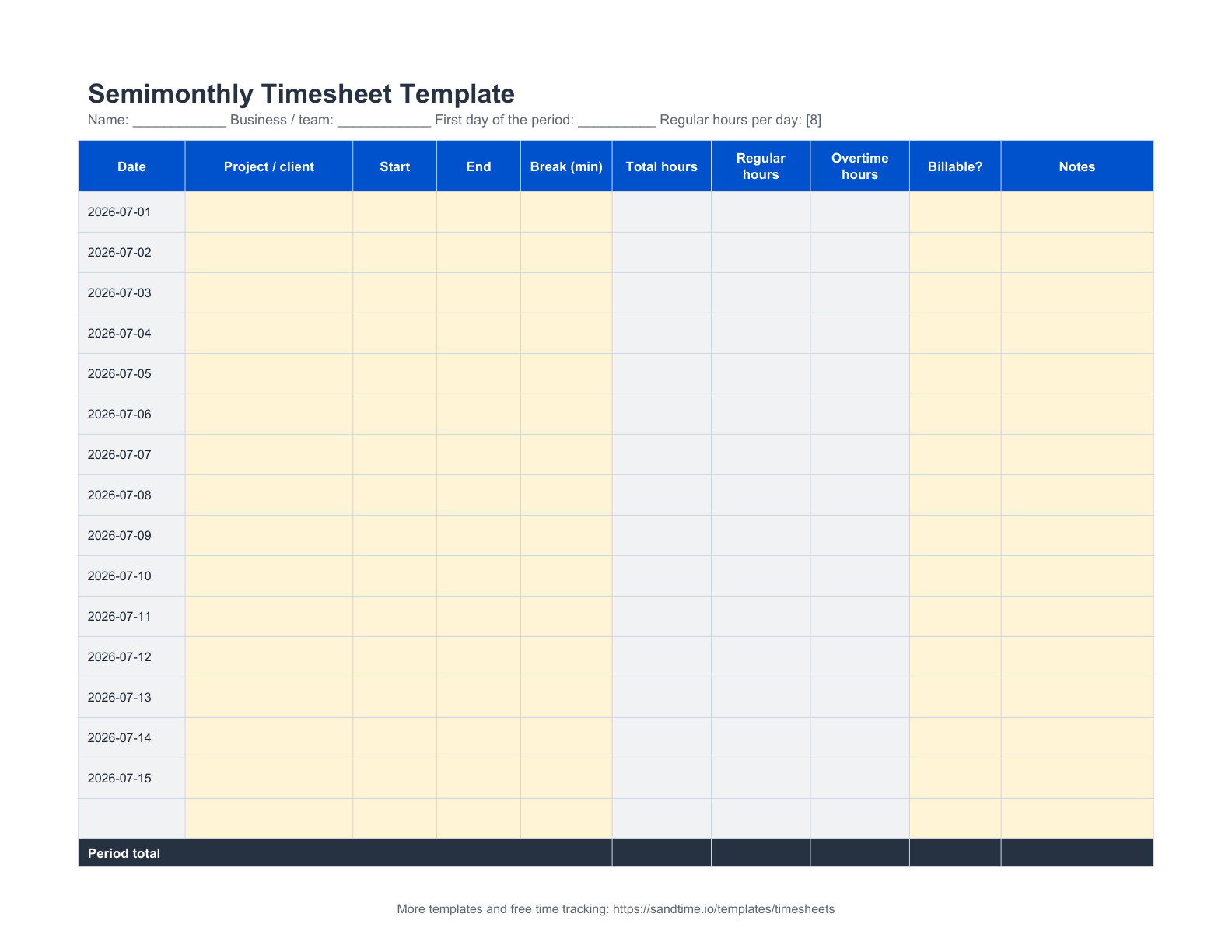
Enter the first day of the pay period and the spreadsheet fills the correct half-month dates. Record daily hours, overtime, billable status, and notes.
Best for teams and contractors paid twice a month on the 1st-to-15th and 16th-to-end cycle.- Automatic dates for the first or second half of any month
- Configurable regular-hours threshold and overtime calculation
- Period and billable-hour totals for a semimonthly payroll cycle
 Open printable preview
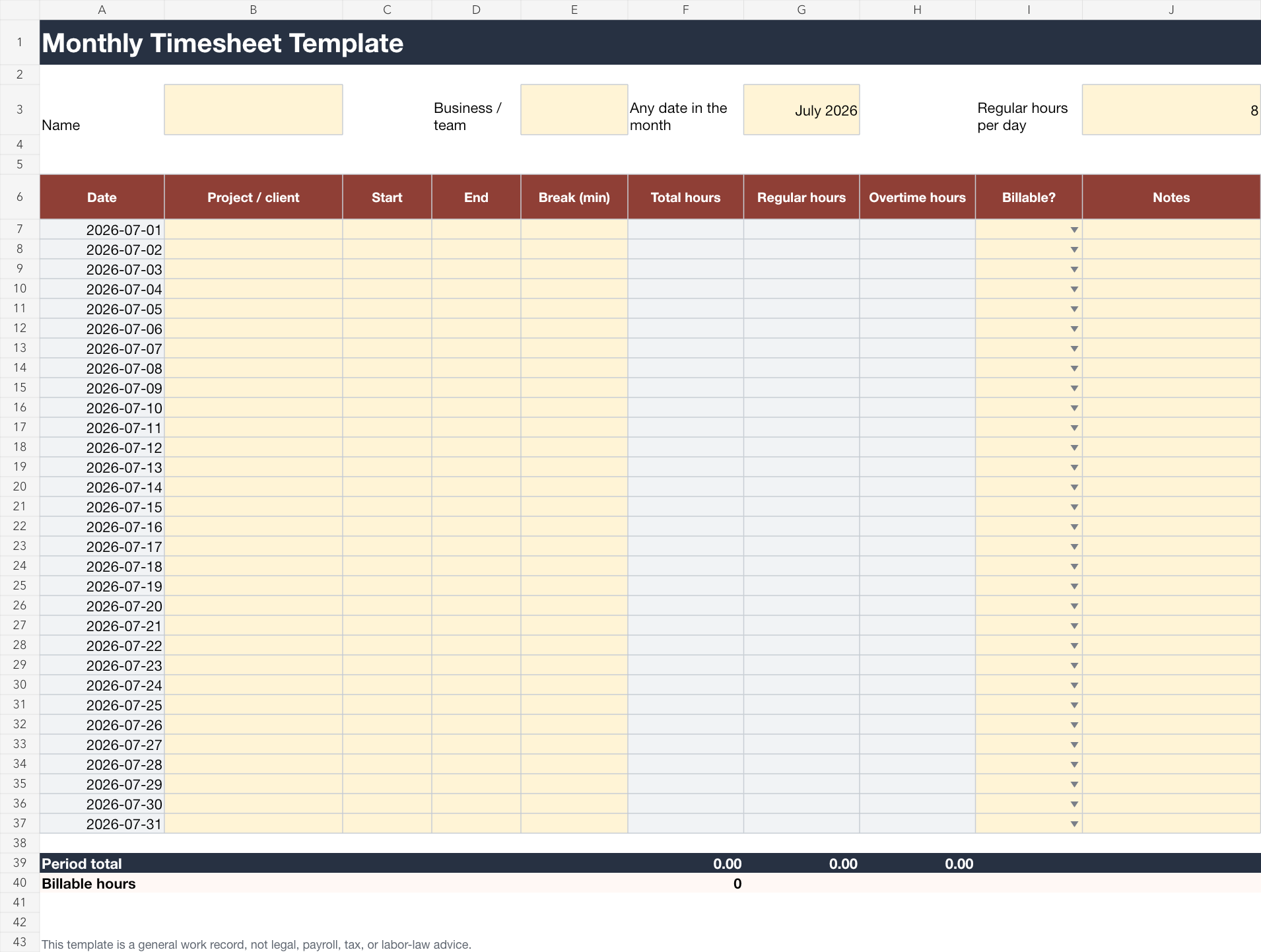
Monthly timesheet template
Choose any date in the month and the spreadsheet creates the valid calendar days. Record daily hours, overtime, billable status, project details, and notes.
Best for small businesses and service teams that review hours once a month or keep a monthly work record.- Automatically handles months with 28, 29, 30, or 31 days
- Monthly regular, overtime, total, and billable-hour summaries
- Compact printable record for signatures and filing
 Open printable preview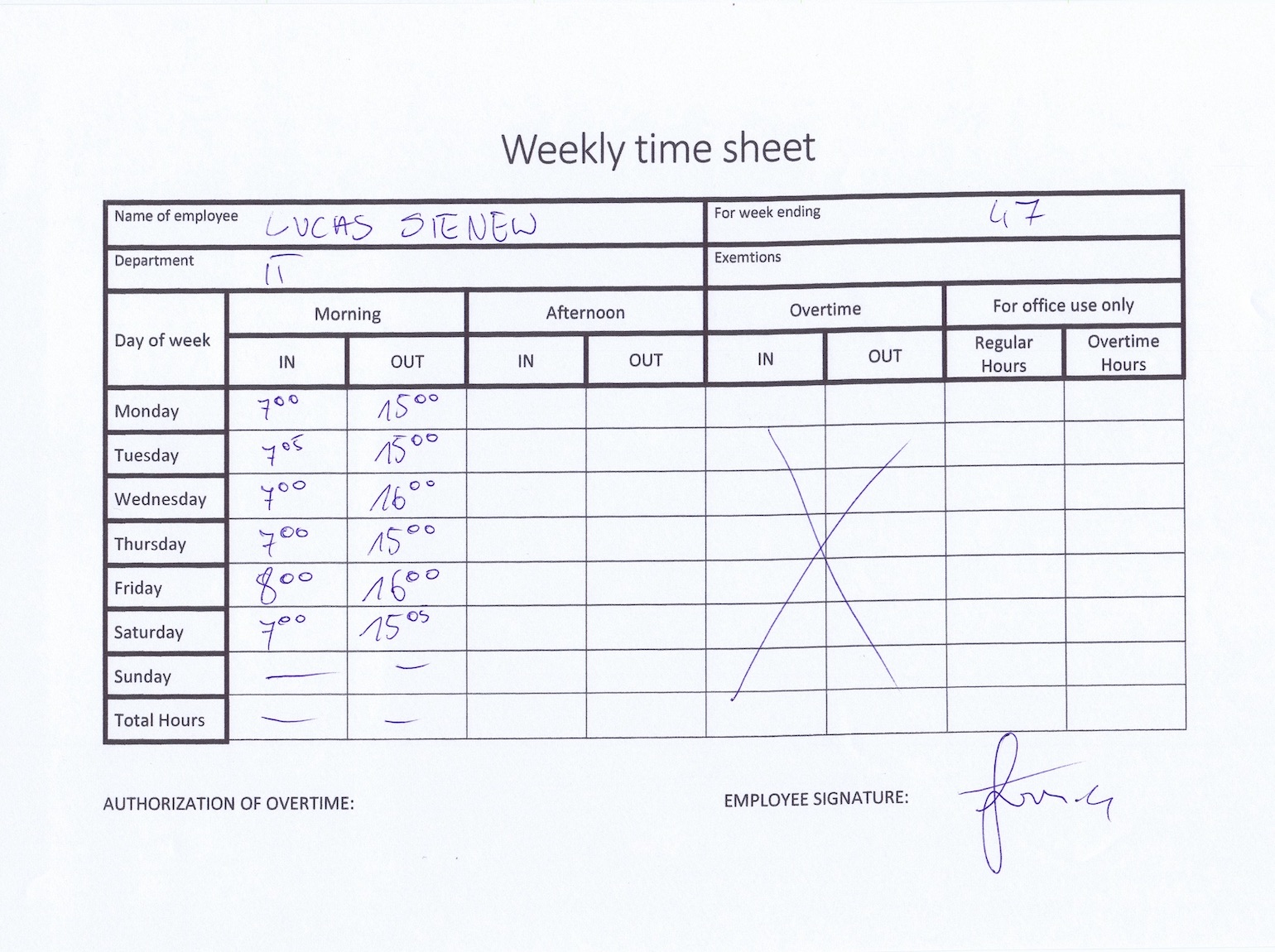
 Łukasz SienkiewiczFounder and CEO of Sandtime.io with 20 years in project, program, and portfolio management, a PhD on agile software development, and the full IPMA certification path. He knows the paper timesheet workflow firsthand.LinkedInSanddev profileProfessional sourceWebsite before Sandtime.io existed.
Sandtime.io started with timesheets like this one
A paper timesheet can be exactly enough when the process is new. It creates a habit, gives a client or manager a record, and costs almost nothing to start.
Then the file has to be found, shared, checked, corrected, approved, and stored. Multiply that by several people and projects, and the record-keeping starts taking time away from the work it is supposed to explain.
Read the full timesheet storyPaper first. Spreadsheet next. Sandtime.io when the process grows.
Print a PDF
Best when one person needs a simple signed record without software or formulas.
Share a spreadsheet
Best when totals should calculate automatically and a small group can keep one shared file organized.
Move to Sandtime.io
Best when reminders, approvals, locking, project records, reports, and reliable Excel exports need to work together.
Adapt the same foundation to your profession
The fields are intentionally flexible. Use project, client, activity, billable status, and notes in the language your work already uses.
Freelancers
Separate client work, admin time, and billable activities before invoicing.
Consultants
Keep advisory calls, workshops, research, and retainer work visible.
Software agencies
Collect a consistent weekly record before client billing starts.
Small businesses
Create a repeatable process without buying or configuring a workforce suite.
Construction teams
Record site, project, and daily work details in a printable format.
Nonprofits
Start with a simple record, then move to grant and program reporting as needs grow.
Questions about the free timesheet templates
Are these timesheet templates really free?
Yes. Every template is free and needs no email address. We place them in the public domain rather than licensing them, so you may copy, edit, rebrand, redistribute, and use them commercially without asking permission.
Should I use the daily, weekly, biweekly, semimonthly, or monthly template?
Use the daily template for detailed client and task entries, the weekly template for a seven-day submission cycle, the biweekly template for a two-week pay or billing cycle, the semimonthly template for a twice-a-month payroll cycle, and the monthly template for a compact calendar-month record.
How do I use a template in Google Sheets?
Download the matching Excel file, import it into Google Sheets, and keep the formulas and editable layout. The Google Sheets button opens a native copy flow when the published Sheet is available.
Can I edit the formulas, fields, and overtime threshold?
Yes. Pale yellow spreadsheet cells are intended for editing. Grey cells contain formulas for totals. You can also change the regular-hours threshold used for overtime.
Which format should I print?
Use the PDF when you want a clean paper form. Each PDF is one page, uses high-contrast lines, and is designed to scale cleanly between common A4 and US Letter printers.
Do these templates guarantee legal or payroll compliance?
No. They are general work records and do not guarantee payroll, tax, overtime, record-retention, or labor-law compliance in any jurisdiction. Check the rules that apply to your organization.
When has a team outgrown spreadsheet timesheets?
Spreadsheets work well when the process is small and one person owns the file. Consider Sandtime.io when files go missing, formulas drift, managers chase submissions, approvals are unclear, or reporting takes longer than recording the work.
Can I share or rebrand the templates?
Yes. Share the files directly, send this page, add your own branding, or publish an adapted version. Nothing has to be credited back to us.