A DeskTime alternative that does not score anyone
DeskTime tracks automatically in the background and sorts the day into productive, unproductive and neutral. Sandtime.io records the hours people report and grades none of it, free for unlimited users.
DeskTime is a Latvian automatic time tracking and workforce analytics tool. It runs in the background, classifies applications and websites as productive, unproductive or neutral, and adds automatic screenshots and shift scheduling on its top plan. Its free tier covers a single user. Visit DeskTime website
Best for teams that bill against time and need trust
Sandtime.io fits agencies, freelancers, consultants, and other service teams that need client-ready reports, project visibility, and cleaner invoicing without the seat tax or surveillance that often comes with legacy trackers.
Sandtime.io vs DeskTime
| Feature | Sandtime.io | DeskTime |
|---|---|---|
| Free plan size | Free for unlimited users | Free tier covers a single user; team plans are charged per seat |
| Productivity scoring | Nothing is graded | Apps and sites are graded productive, unproductive, or neutral |
| Automatic tracking | Self-reported hours only | Runs in the background all day |
| Screenshots | None, and none planned | Automatic screenshots from the Premium plan up |
| Timesheet approvals and locking | Included free | Paid plan feature |
| Company base | Poland, hosted in the European Union | Latvia |
| Best fit | Teams who want an hours record they will defend | Managers who want a productivity number |
Why teams switch from DeskTime to Sandtime.io
No productivity score
DeskTime does not only record what happened, it decides whether it counted. Apps and sites are sorted into productive, unproductive and neutral, and people are shown a percentage. Sandtime.io grades nothing.
A number people will stand behind
A score invites gaming long before it changes behavior. Hours someone typed in themselves are a claim they will defend in a billing conversation, which is the record month-end actually needs.
Free for the whole team, not one seat
DeskTime's free tier covers one person. Sandtime.io is free for unlimited users, with reminders, approvals, locking, reports, exports and historical rates all included.
The difference is judgment, not capture
Plenty of tools record what happened. DeskTime goes further and decides what it was worth, sorting the day into productive and unproductive and returning a percentage. That is a genuine product choice and some teams want it. It is also the thing most likely to change how people work, and not always in the direction the number suggests.
Choose Sandtime.io when
You need complete, approved, locked hours you can bill from, and you would rather people told you where the time went than have software decide for them.
Keep DeskTime when
Automatic capture is the point. If nobody would fill in a timesheet and you need the day reconstructed without asking, Sandtime.io does not do that at any price.
What a score costs
A productivity percentage is easy to move and hard to trust. Reading a long document scores badly, and idle thinking scores worst of all. Billing from a number nobody believes is its own problem.
Pricing and plan details checked August 19, 2026
Check DeskTime's current pricing Compare with Time Doctor too See Sandtime.io pricing
Test the workflow before switching
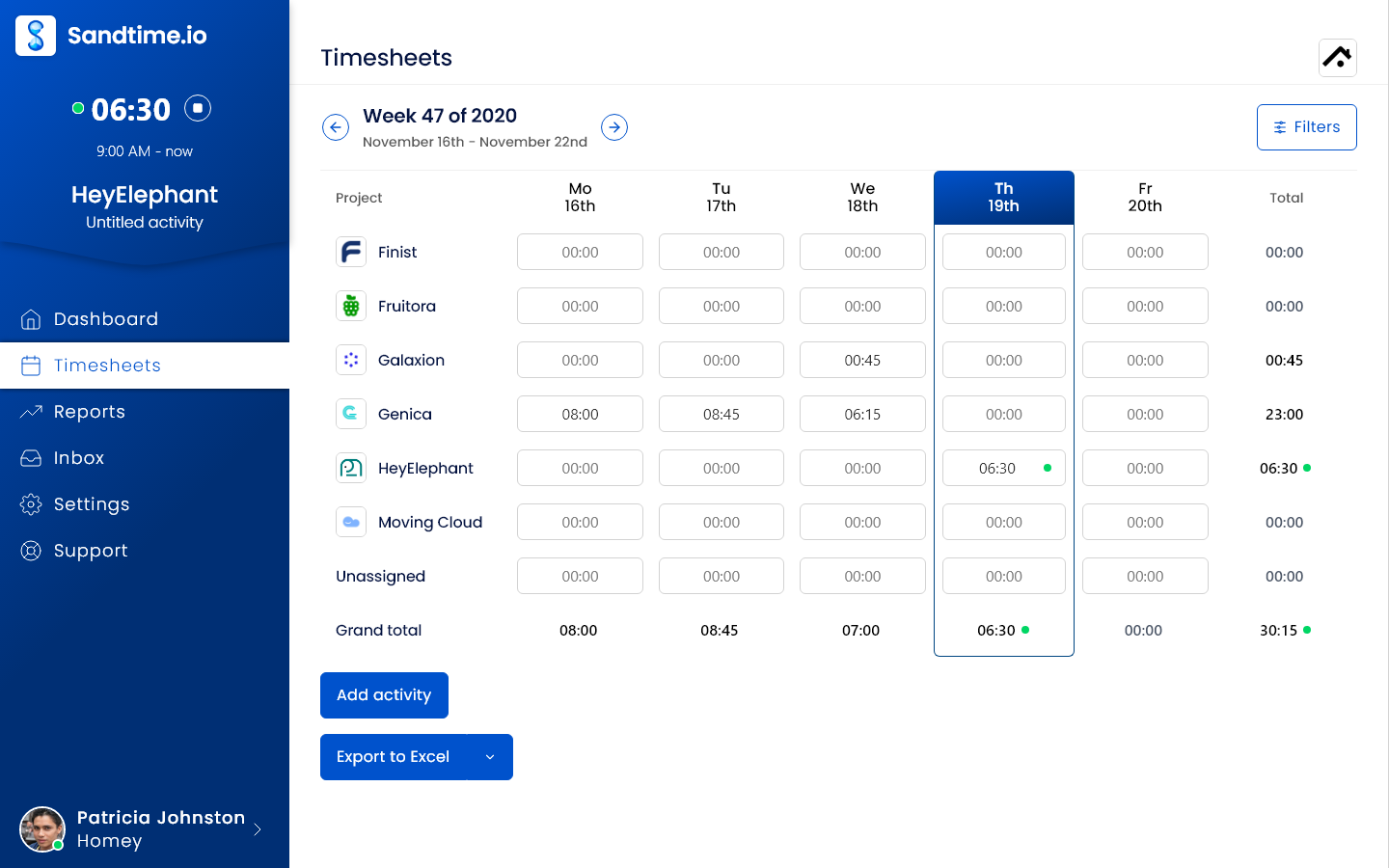
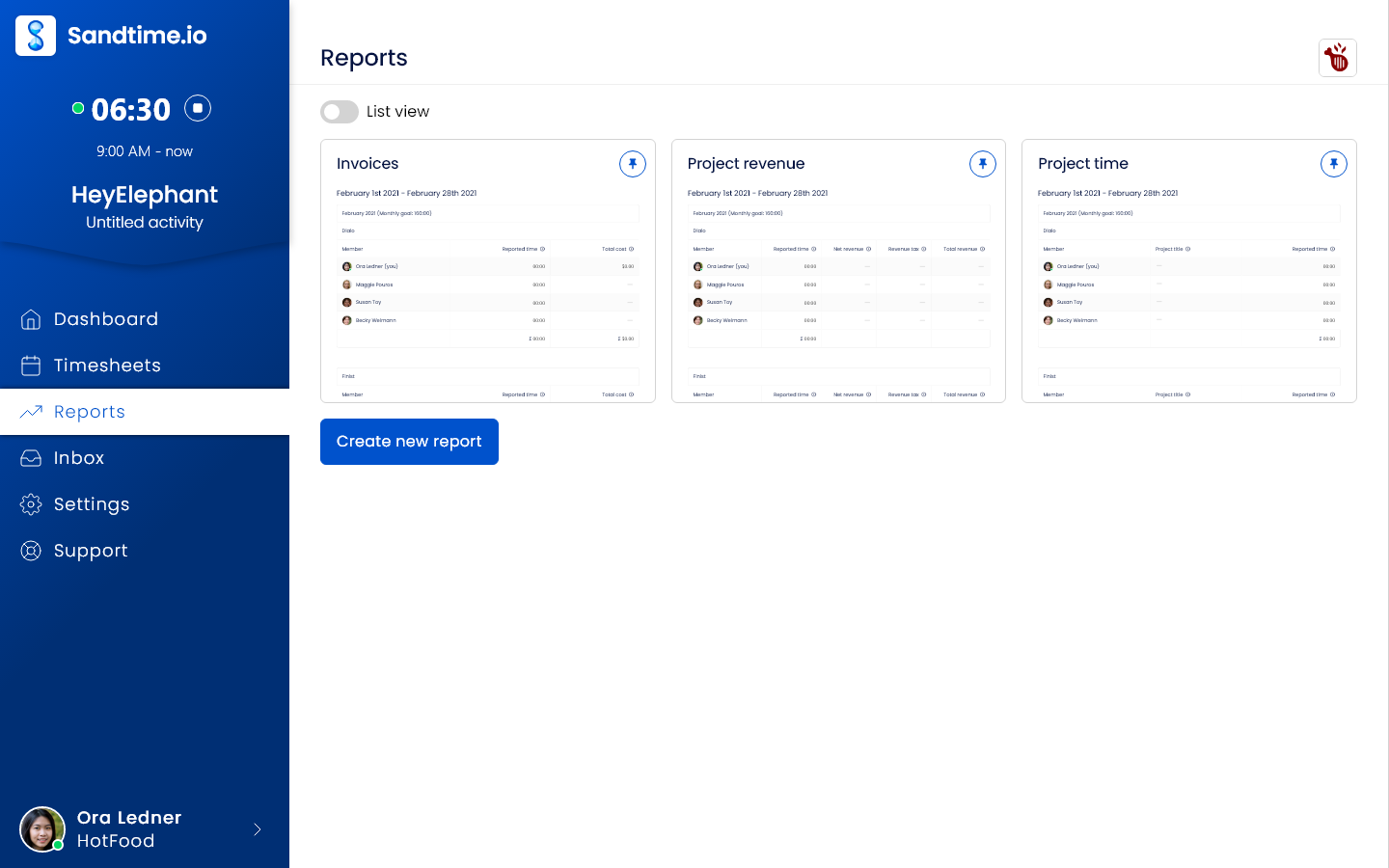
The useful test is whether complete, approved hours reach billing on time. These are real Sandtime.io screens, not mockups of a competitor's product. The screenshots use the English interface; Polish and French interfaces are also available.
Record the work
Use one client project for a complete billing cycle. Track or enter hours yourself; Sandtime.io does not reconstruct work from app or website activity.
Close the week
Submit, approve, and lock the weekly timesheet. Friday email reminders require auto-locking and each user's notification opt-in; they are off by default.
Check the billing handoff
Compare the exported hours and amounts with your existing billing records before switching. Sandtime.io supplies reports and exports, not an invoicing engine.
Keep payroll, attendance, automatic capture, legal billing, and resource planning in the evaluation if your team depends on them. A simpler timesheet tool is not a replacement for those workflows.
See the worked timesheet-to-billing example
Screenshot source: the public Sandtime.io brand kit · Read the approval guide · Read the reminder conditions
DeskTime alternative FAQs
Short answers about pricing, migration, and product fit.
Does Sandtime.io track activity automatically like DeskTime?
No. Sandtime.io has no automatic tracking at all. It does not watch applications, windows, or websites, so there is nothing for it to classify. If background capture is what you want, DeskTime does it and Sandtime.io does not.
Does Sandtime.io rate how productive someone was?
No. There is no productivity percentage, no productive or unproductive classification, and no ranking of people against each other. Hours are declarations, not scores.
What if we want the automatic tracking?
Then keep DeskTime. If your management approach depends on seeing where the day went without asking, Sandtime.io is the wrong tool and its price makes no difference to that.
How do the free plans compare?
DeskTime's free tier covers a single user, so a team pays per seat. Sandtime.io is free for unlimited users with no seat charge and no credit card.
Can Sandtime.io import DeskTime data?
Not automatically. Keep DeskTime as the historical archive, recreate active clients, projects, people and rates in Sandtime.io, then reconcile one full reporting cycle before cutting over.
How should we explain dropping the productivity score?
Say what changed and why. A productivity score is usually introduced without a conversation and withdrawn the same way. Explaining that hours are now self-reported, and that approvals and locking keep the records trustworthy, is most of the work.
Comparing something else?
Teams weighing this one usually weigh these too.
Try one project before switching your team
Create a free workspace, record a billing cycle, and check the exported hours against your current records. Keep your existing tool until the workflow fits.