A My Hours alternative that does not stop at five users
My Hours is free for up to five users and puts approvals, auto-locking and per-user rates on its Pro plan. Sandtime.io is free for unlimited users with all of that included.
My Hours is a straightforward time tracker for small teams, free for up to five active users. Its Pro plan adds the approval workflow, an audit log, auto-locking of time logs, per-user billable rates and invoicing. Visit My Hours website
Best for teams that bill against time and need trust
Sandtime.io fits agencies, freelancers, consultants, and other service teams that need client-ready reports, project visibility, and cleaner invoicing without the seat tax or surveillance that often comes with legacy trackers.
Sandtime.io vs My Hours
| Feature | Sandtime.io | My Hours |
|---|---|---|
| Free plan size | Free for unlimited users | Free for up to 5 active users |
| Timesheet approvals and audit log | Included free | Pro plan feature |
| Auto-locking time logs | Included free | Pro plan feature |
| Billable rates and invoicing | Rates free; invoice-ready exports rather than invoices | Project rates free; per-user rates and invoicing on Pro |
| Historical rates | Included free, so past reports stay accurate | New rate from a chosen date, on logs added after it |
| Employee surveillance | No screenshots or keystroke logging | No screenshots or keystroke logging |
| Best fit | Small teams that also need the timesheet to close | Small teams that mainly need clean tracking |
Why teams switch from My Hours to Sandtime.io
No sixth-person cliff
My Hours is free until the sixth person joins. Sandtime.io does not have a number to cross, so growing the team never turns time tracking into a purchase decision.
Closing the month is not an upgrade
On My Hours, approvals, the audit log and auto-locking arrive together on the Pro plan. On Sandtime.io they are free, which matters because that is the part that makes a timesheet trustworthy.
Rates that remember
When a rate changes, Sandtime.io keeps the old rate on the work it applied to, so reports covering earlier months stay correct without anyone editing history.
The question is what happens at month end
Both products track time well. The difference shows up on the day someone has to collect the timesheets, check them, approve them and stop them changing. On My Hours that day requires the Pro plan. On Sandtime.io it does not.
Choose Sandtime.io when
The team is past five people, or approvals and locking matter now rather than later, and you would rather not pay per person for the part that closes the month.
Keep My Hours when
You are five or fewer, the free plan covers what you need, and you would rather not move a tool that already works. Switching has a real cost even when the destination is free.
Where invoicing sits
My Hours Pro can invoice billable time. Sandtime.io produces invoice-ready reports and exports but does not issue invoices, so check where your billing actually happens.
Pricing and plan details checked August 19, 2026
Test the workflow before switching
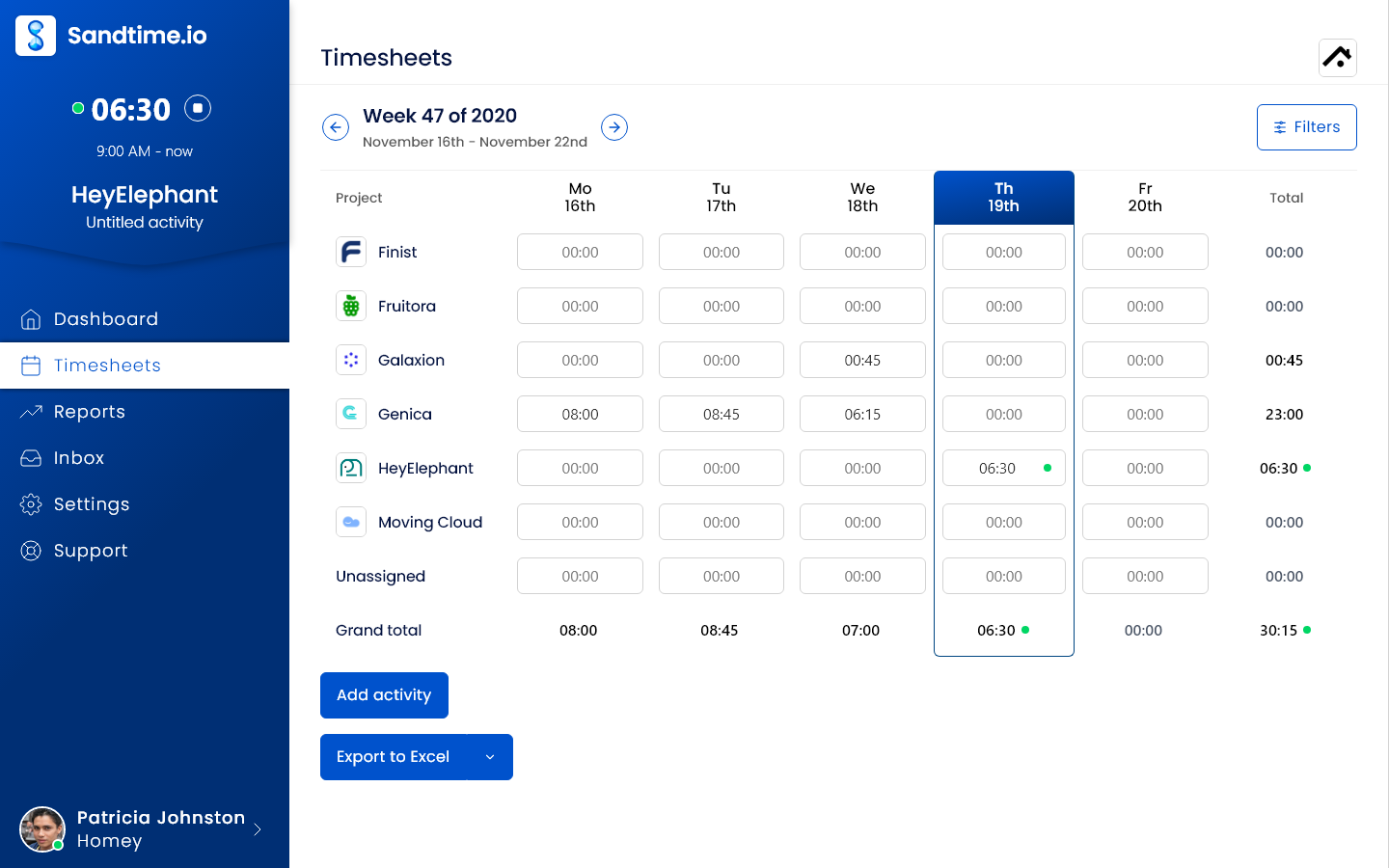
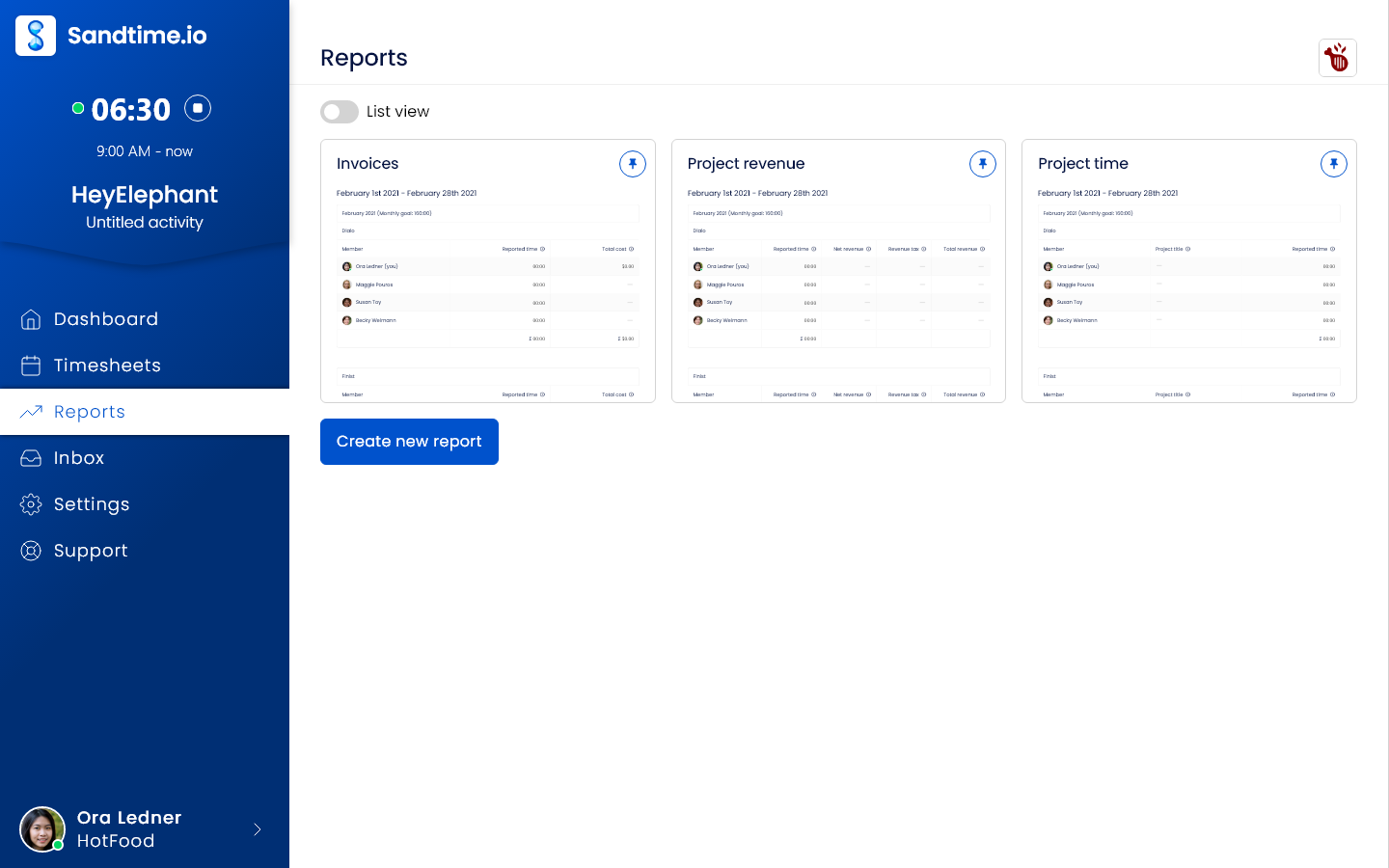
The useful test is whether complete, approved hours reach billing on time. These are real Sandtime.io screens, not mockups of a competitor's product. The screenshots use the English interface; Polish and French interfaces are also available.
Record the work
Use one client project for a complete billing cycle. Track or enter hours yourself; Sandtime.io does not reconstruct work from app or website activity.
Close the week
Submit, approve, and lock the weekly timesheet. Friday email reminders require auto-locking and each user's notification opt-in; they are off by default.
Check the billing handoff
Compare the exported hours and amounts with your existing billing records before switching. Sandtime.io supplies reports and exports, not an invoicing engine.
Keep payroll, attendance, automatic capture, legal billing, and resource planning in the evaluation if your team depends on them. A simpler timesheet tool is not a replacement for those workflows.
See the worked timesheet-to-billing example
Screenshot source: the public Sandtime.io brand kit · Read the approval guide · Read the reminder conditions
My Hours alternative FAQs
Short answers about pricing, migration, and product fit.
How do the free plans compare?
My Hours is free for up to five active users. Beyond that it moves to a paid plan per user. Sandtime.io is free for unlimited users with no seat charge and no credit card.
Which plan includes approvals and locking?
On My Hours they sit on the Pro plan, together with the audit log and per-user billable rates. On Sandtime.io approvals, reminders and locking are all included at no cost.
Does Sandtime.io create invoices like My Hours Pro?
No. Sandtime.io produces invoice-ready reports and Excel or CSV exports but does not issue invoices. My Hours can invoice billable time on its Pro plan, so teams that bill from the tracker should weigh that.
Can Sandtime.io import My Hours data?
Not automatically. Keep My Hours as the historical archive, recreate active clients, projects, people and rates in Sandtime.io, then reconcile one full reporting cycle before cutting over.
Is My Hours still the better choice for some teams?
Yes, for a team of five or fewer that only needs tracking and reports. My Hours is a clean, well-liked tool and its free plan is genuinely usable at that size.
Comparing something else?
Teams weighing this one usually weigh these too.
Try one project before switching your team
Create a free workspace, record a billing cycle, and check the exported hours against your current records. Keep your existing tool until the workflow fits.