Create and switch organizations
Sandtime.io supports multiple organizations on one account. Each organization is a separate workspace with its own projects, members, timesheets, reports, settings, and data.
Create another organization
Create a separate workspace for another business, agency, client, or internal team from the account menu. The new organization uses your existing Sandtime.io account, so you do not need another login or email address.
Open the organization menu in the top right corner and click New organization. The same menu lists every organization you belong to, with the current one highlighted, so it is also where you switch between them.
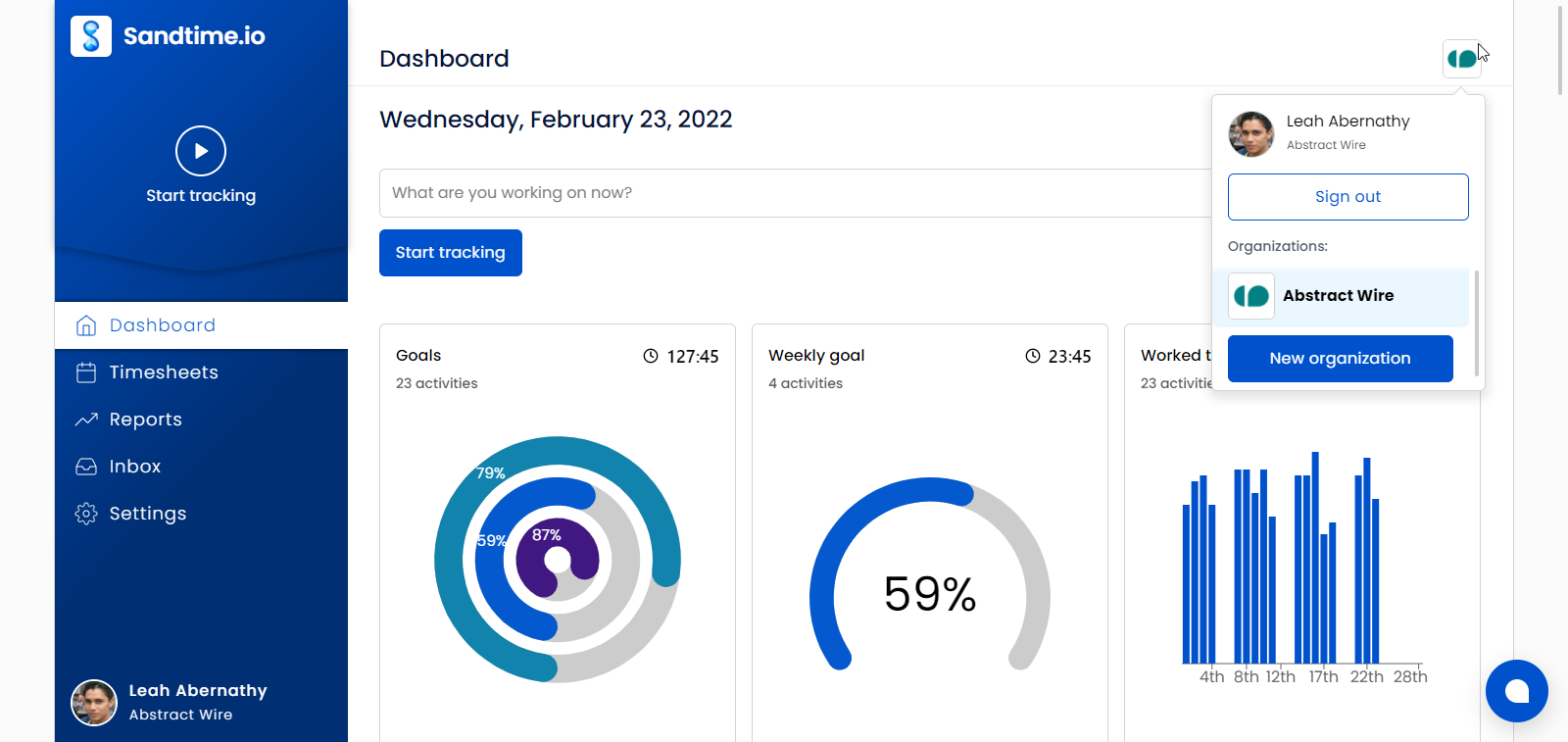
Follow the step-by-step guide to creating a new organization.
Switch between organizations or workspaces
You can move between organizations from the same account without signing out. The account menu lists every organization available to you and highlights the current one.
Follow the step-by-step guide to switching organizations or workspaces.
Find data that appears missing
If your dashboard looks empty or projects, timesheets, or reports seem to be gone after sign-in, check which organization is active before recreating anything. The data may be stored in another workspace.
Follow the missing-data checklist.
Learn more about using multiple organizations in Sandtime.io.