Roles and permissions
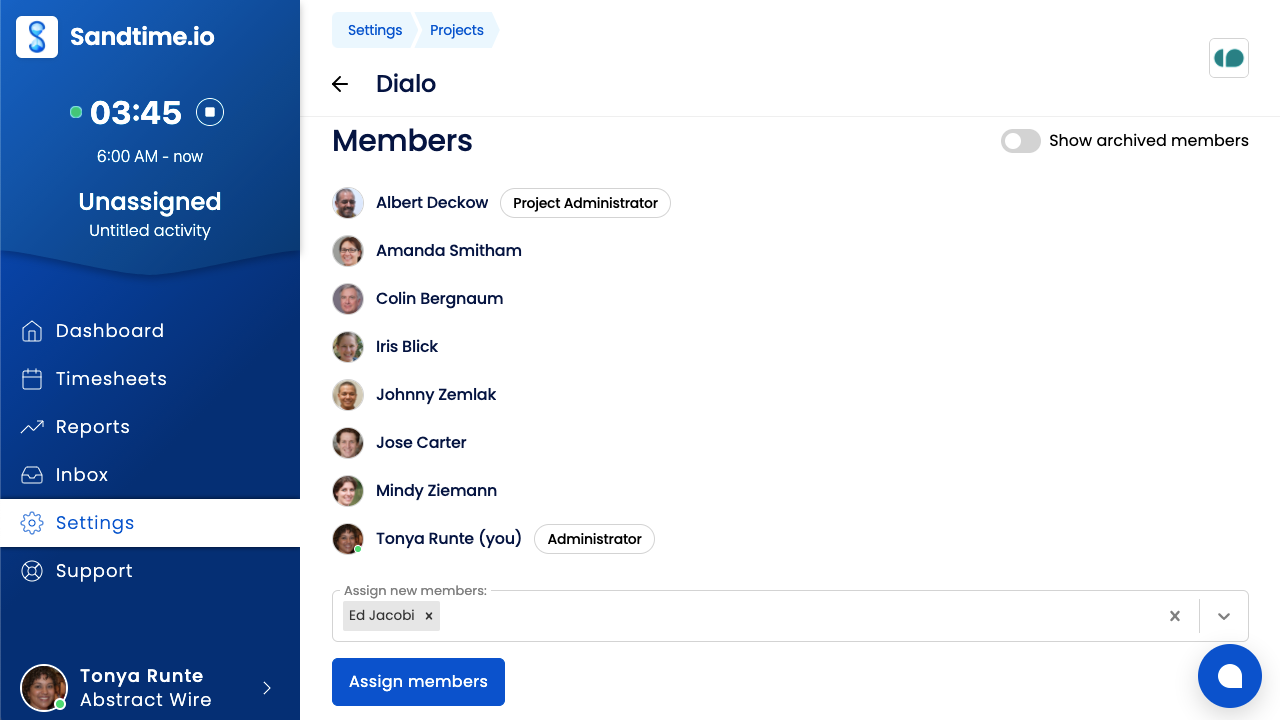
Sandtime.io keeps roles deliberately few, so everyday work stays clear without turning the product into a heavy administration tool. There are three, each with its own permissions: Administrator, Project Administrator, and User. See also access control in the glossary.
Administrator
An organization-wide role, effectively the owner. An Administrator can see and change anything in the organization: invite people, promote other members, create and archive projects, set cost and revenue rates, configure features such as time rounding and timesheet locking, and see every member’s activities, including moving an entry to a different person.
You cannot revoke your own Administrator rights while you are the last active Administrator in the organization. Promote someone else first, then step down.
Project Administrator
A narrower role, scoped to a single project rather than the whole organization, and assigned per project by an Administrator. It covers managing that project’s team: assigning and archiving its members, seeing the activities reported to it, and seeing the cost rates of the people on it.
Administrators do not need this role - they already have those permissions everywhere. Assigning it to them changes nothing.
User
Everyone except the person who created the organization starts here, and only an Administrator can promote them. A User can track time manually or with the built-in timer, see and edit their own activities, create and edit reports, see the projects they are assigned to, and manage their own settings.
Can one person have different roles in different organizations?
Roles belong to an organization, not to a person. Being a User in one organization does not stop you from being an Administrator in another, including one you create yourself.
Which role should I give someone?
Give the smallest role that still lets someone do their job. It keeps reports cleaner and reduces accidental changes to settings or project structure.