Connect Sandtime.io with Slack
The Slack integration lets your team start and stop tracking with a slash command, without leaving the conversation they are already in.
Step by step
- Sign in to your Slack workspace in the browser first - the install flow needs an active session.
- In Sandtime.io, open Settings, go to Integrations, and select Slack.
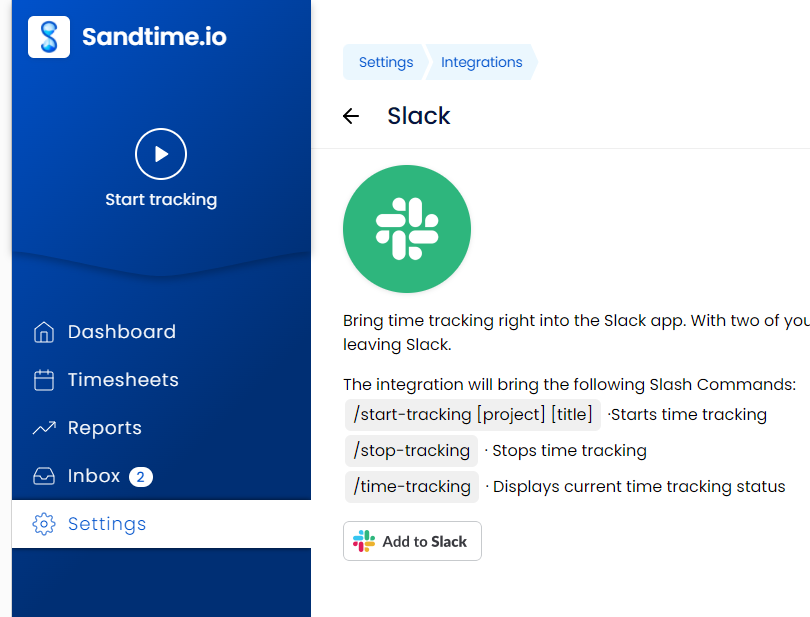
- Click Add to Slack.
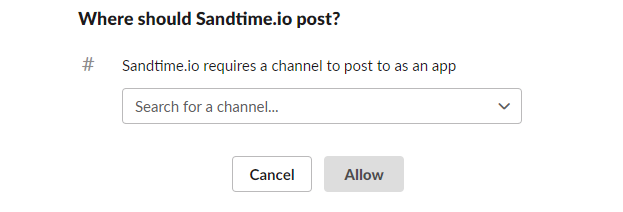
- Slack asks where the app should post. Pick the channel you want Sandtime.io to use, then click Allow.
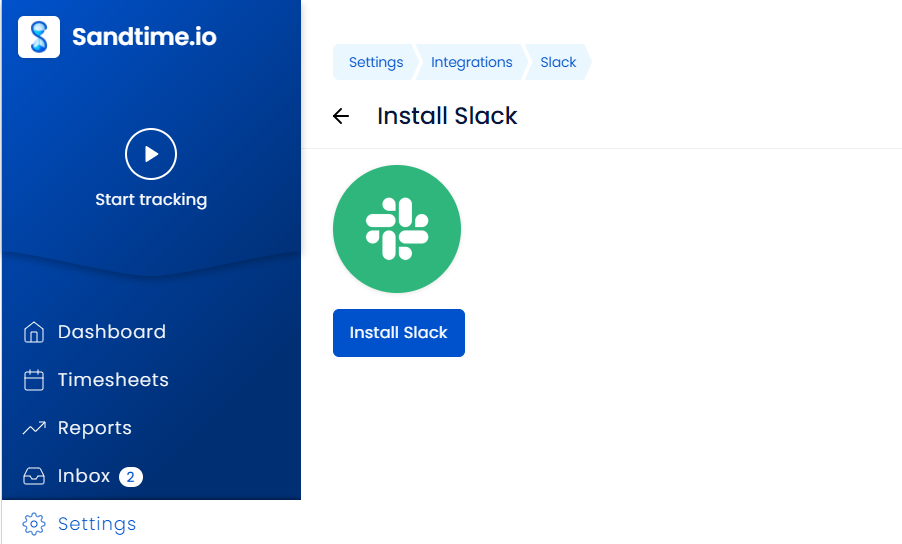
- Slack returns you to Sandtime.io on the Install Slack page. Click Install Slack to finish connecting the workspace.
Slash commands
Once the workspace is connected, type these in any channel the app was added to:
/start-tracking [project] [title]starts tracking/stop-trackingstops tracking/time-trackingshows the current tracking status
Linking your Slack user to your account
The first time you use a command, Sandtime.io replies in Slack asking who you are, so it knows which account to record the activity against. Click Authorize Slack on Sandtime.io in that message.

The button opens a Connect to Slack page in Sandtime.io listing what the integration will be able to do - view your public profile, manage your activities, list your projects, and log events. Click Connect to Slack to confirm, and Sandtime.io reports Connected to Slack.
That message is only visible to you, and you only need to authorize once.
What should I know before tracking from Slack?
- Projects and members have to exist in Sandtime.io before you can reference a project in
/start-tracking. See Create a project for the reported time and Invite team members. - Time reported from Slack behaves exactly like time reported in the app, so it shows up in timesheets and reports straight away.
- Prefer to track in the app instead? See Track time with the built-in timer.